4 articles
Home Lab & Advanced Setups
VLAN segmentation blueprints, NAS integration, 10G core switches, and structured wiring for the builder who wants an enterprise-grade network without an enterprise budget. If you're sourcing gear by SKU and planning your rack before you buy, these guides are written for you.
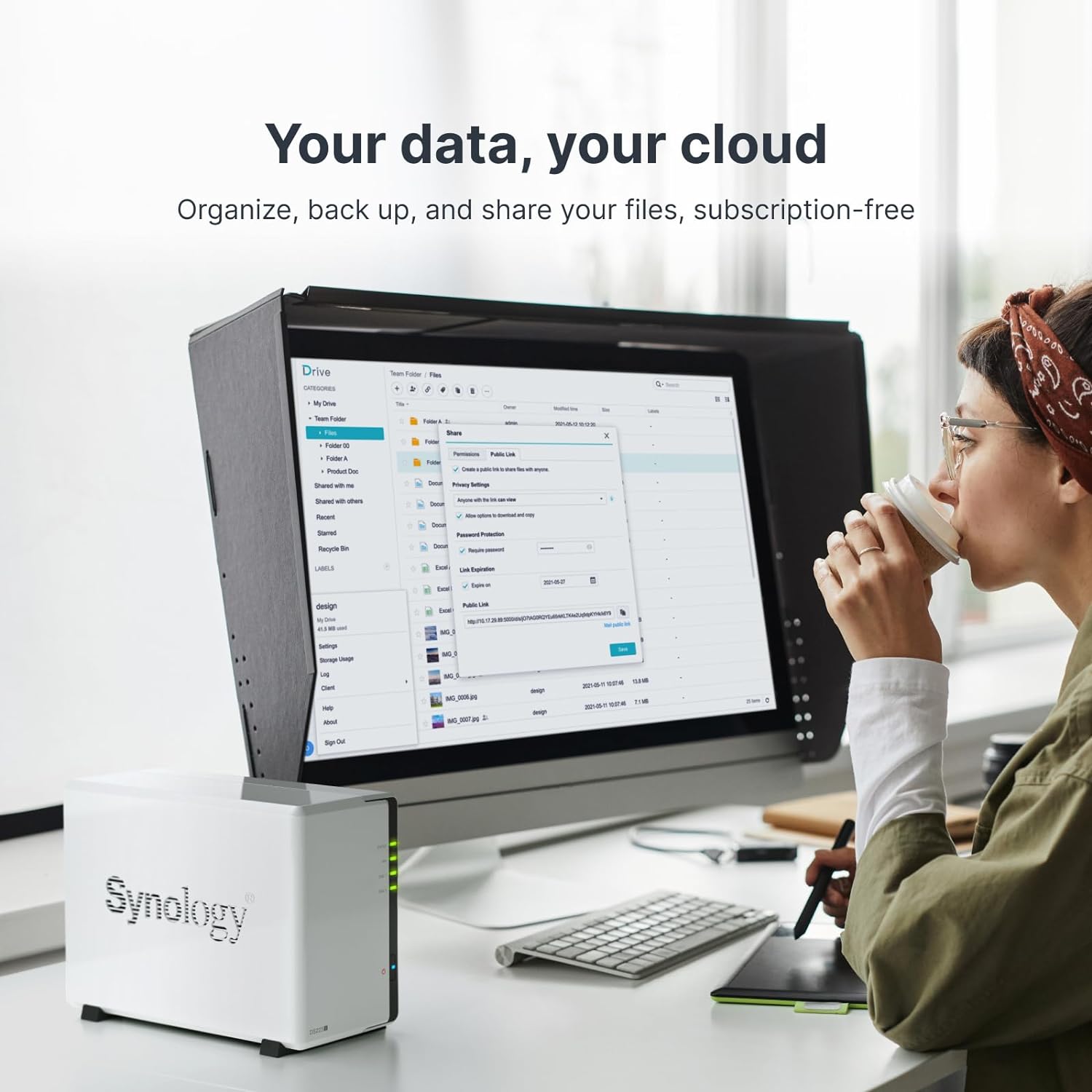
NAS for the Non-Expert: Synology DS223j and UGREEN DXP2800 as a First Home Server
Tired of paying for iCloud and Google Photos while your files are scattered everywhere? This guide compares the Synology DS223j and UGREEN DXP2800 to help you
Read the guide →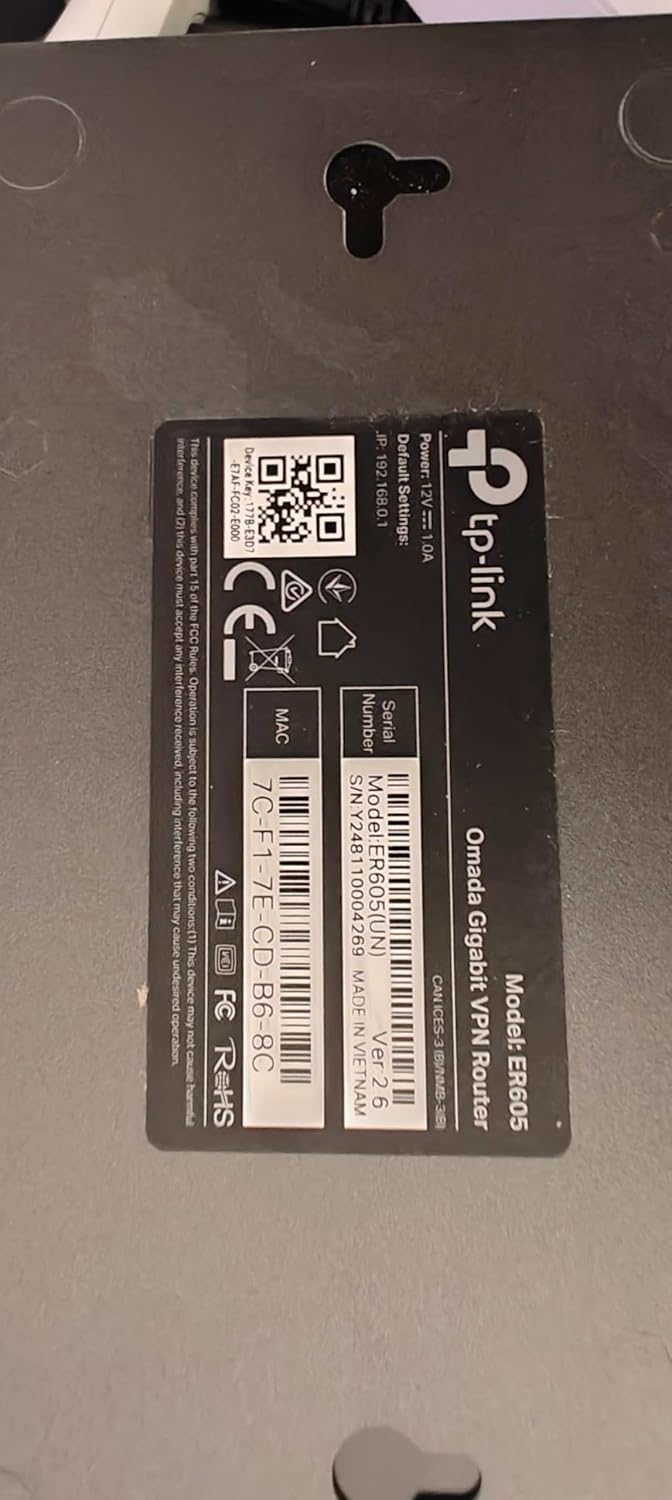
Building a VLAN-Segmented Home Network With TP-Link Omada Routers
A practical blueprint for splitting your home network into isolated lanes — one for work, one for smart devices, one for guests — using TP-Link's Omada
Read the guide → NAS for the Home Network: Matching Storage to Your Stack's Speed Tier
A NAS (network-attached storage) box can transform your home network into a private cloud — but only if your router, switch, and cabling can actually feed it.
Read the guide →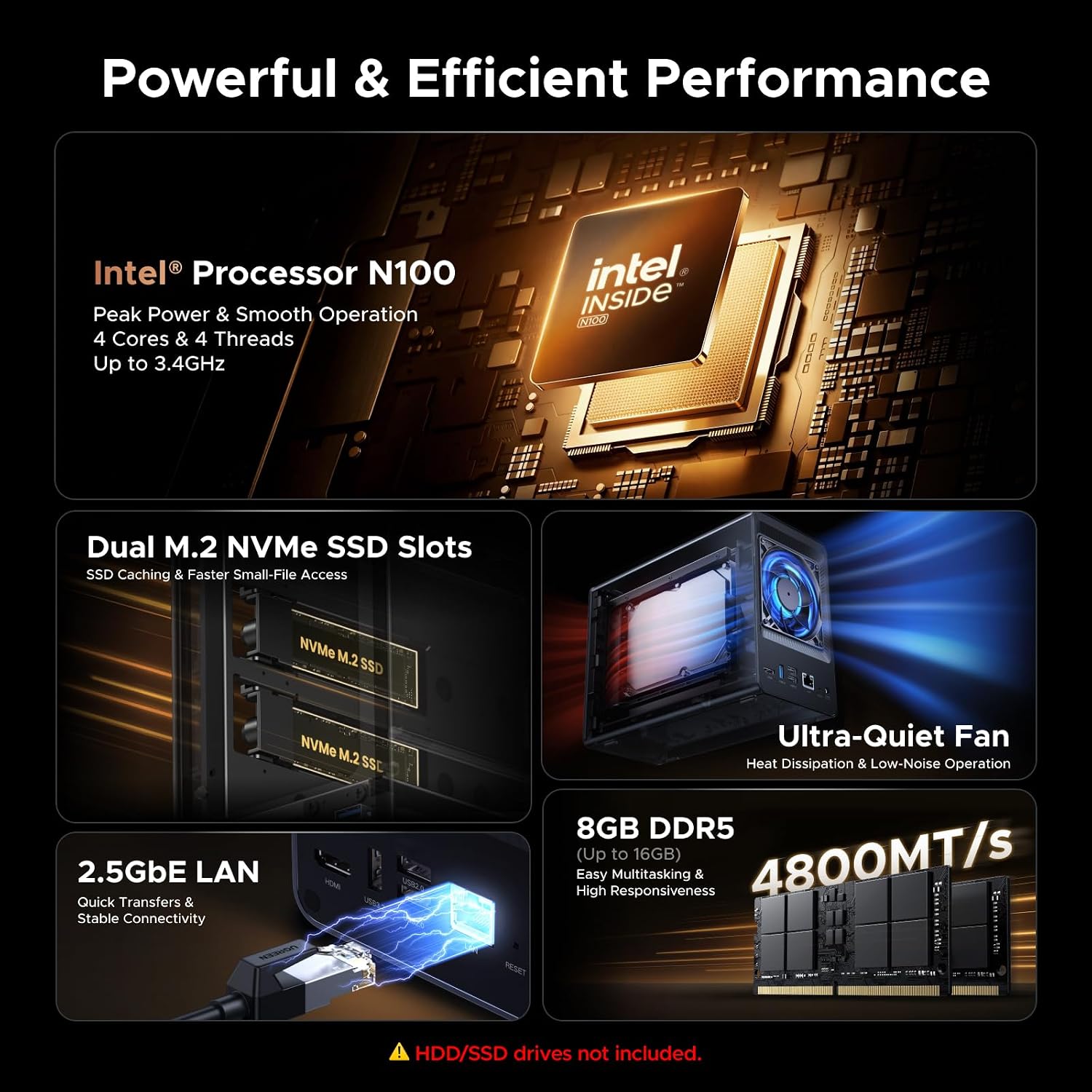
Building a Private Cloud at Home: NAS, Network Storage, and the Stack That Supports It
A practical guide to choosing a home NAS, pairing it with the right network hardware, and setting up private cloud storage that actually replaces your dying
Read the guide →