August 25, 2026 • Darius Mosley • 11 min reading time • Prices verified June 29, 2026
Wi-Fi 7 Router vs. Wi-Fi 7 Mesh: Choosing the Right Architecture for Your Home
Wi-Fi 7 — the latest generation of home wireless technology, officially called 802.11be — arrived in consumer products through 2024 and 2025, promising speeds that comfortably exceed anything most households have encountered before. The headline numbers are striking: theoretical peak throughput above 40 Gbps, and a new capability called Multi-Link Operation (MLO) that lets a single device connect across multiple radio bands simultaneously, cutting latency and improving reliability during congestion. But here is the fork in the road that trips up even experienced buyers: do you get all of that from one high-powered router, or do you build a mesh system — a team of two or three nodes that blanket your home in overlapping Wi-Fi zones? That choice is more consequential than the spec sheet suggests, and it is exactly what this guide is built to resolve. By the end, you will have a clear decision framework rooted in your floor plan, ISP tier, and tolerance for configuration complexity.
| EDITOR'S PICKNETGEAR Orbi 770 Series Tri-Ban… | Mid-tierTP-Link Deco 7 Pro BE63 Tri-Ban… | Budget pickTP-Link Tri-Band BE9300 WiFi 7… | |
|---|---|---|---|
| Type | Mesh (3-pack) | Mesh (3-pack) | Single router |
| Top Speed | 11Gbps | 10Gbps | 9.3Gbps |
| Coverage | 8,000 sq. ft. | — | 2,000 sq. ft. |
| Device Capacity | 100 devices | — | — |
| 2.5G Ports | — | 4 | Full 2.5G |
| Price | $569.99 | $399.99 | $169.99 |
| See on Amazon → | See on Amazon → | See on Amazon → |
The Core Tradeoff: Concentrated Power vs. Distributed Coverage
A standalone Wi-Fi 7 router is one box, typically placed in a central location, radiating signal in all directions. The case for this approach is strongest when your home is compact and open, your ISP delivers a multi-gigabit connection that needs a 10G WAN port to land correctly, and you want raw single-client throughput rather than whole-home blanket coverage.
A mesh system, by contrast, distributes radio energy across two, three, or more nodes, each acting as a full access point. The router node connects to your modem; satellite nodes extend coverage by communicating with each other — ideally over a dedicated backhaul radio so your client traffic does not compete with inter-node traffic for airtime. Each hop through a satellite adds a small amount of latency, and the aggregate throughput of a mesh system under load is typically lower than what a single high-end router can deliver to a nearby client. But for a two-story home with concrete interior walls, or any layout where a single router creates dead zones in distant rooms, that throughput advantage is irrelevant if signal never arrives in the first place.
As noted in Ars Technica’s 2024 report “Wi-Fi 7 review: what it is, how it works, and how fast it is,” the standard is still maturing — MLO implementation quality varies significantly by vendor and firmware version. Buying a Wi-Fi 7 product today means purchasing a roadmap as much as a finished product.
Coverage benchmarks from aggregated reviews:
| Architecture | Typical Coverage | Best Use Case |
|---|---|---|
| Single Wi-Fi 7 router | 1,500–3,000 sq ft (open plan) | Apartment, ranch home, small open two-story |
| 2-node Wi-Fi 7 mesh | 3,000–5,000 sq ft | Average two-story, townhome, moderate obstacles |
| 3-node Wi-Fi 7 mesh | 5,000–7,500+ sq ft | Large two-story, multi-floor, outdoor structures |
Coverage estimates assume wood-frame construction. Concrete, brick, and metal building elements can cut effective range by 30–60% per floor.
Product Landscape: Three Tiers, Three Buyer Profiles
Budget to Mid-Range Single Router: The Nighthawk RS600
The Netgear Nighthawk RS600 is the clearest example of the single-router value proposition at the premium end of a one-box approach. PCMag’s 2025 roundup “The Best Wi-Fi 7 Routers” identifies the RS600 as one of the few consumer-grade units that takes multi-gig internet seriously at the hardware level, specifically calling out its 10G WAN port as a differentiator for subscribers on 2 Gbps or higher fiber and DOCSIS plans.
The logic is straightforward: if your ISP delivers more than 2.5 Gbps to your modem and your router only has a 1 GbE WAN port, you are paying for bandwidth you cannot use. The RS600 eliminates that bottleneck. If your ISP plan is 1 Gbps or below, a 10G WAN port is genuinely optional — the 2.5G WAN port on most Wi-Fi 7 routers will not become your ceiling. But for multi-gig subscribers running a 1 GbE router, the upgrade impact is substantial.
The tradeoff is coverage. The RS600 is a single-node device and is not designed to accept satellite expansion. For homes under roughly 2,500 square feet with an open floor plan, it is an excellent fit. For larger or more complex layouts, it runs out of reach before your home does.
TP-Link
$169.99
In stock on Amazon
Check price on AmazonMid-Range Mesh: eero 7 and TP-Link Deco 7 Pro
Two products consistently represent the friction-minimizing end of Wi-Fi 7 mesh: the Amazon eero 7 and the TP-Link Deco 7 Pro.
Tom’s Guide’s ongoing coverage in “Best Wi-Fi 7 Routers, 2025” highlights eero’s app-centric management as one of the lowest-friction setup experiences in the category. For a household that wants whole-home Wi-Fi 7 coverage without a networking background, eero reduces configuration to a guided mobile app flow. The tradeoff is real: eero’s ecosystem routes management through Amazon’s cloud infrastructure, and advanced configuration options — VLANs, custom DNS, detailed traffic shaping — are limited or absent. For a home-lab builder who wants granular control, that is a meaningful constraint. For a family that wants Wi-Fi that works, it is largely irrelevant.
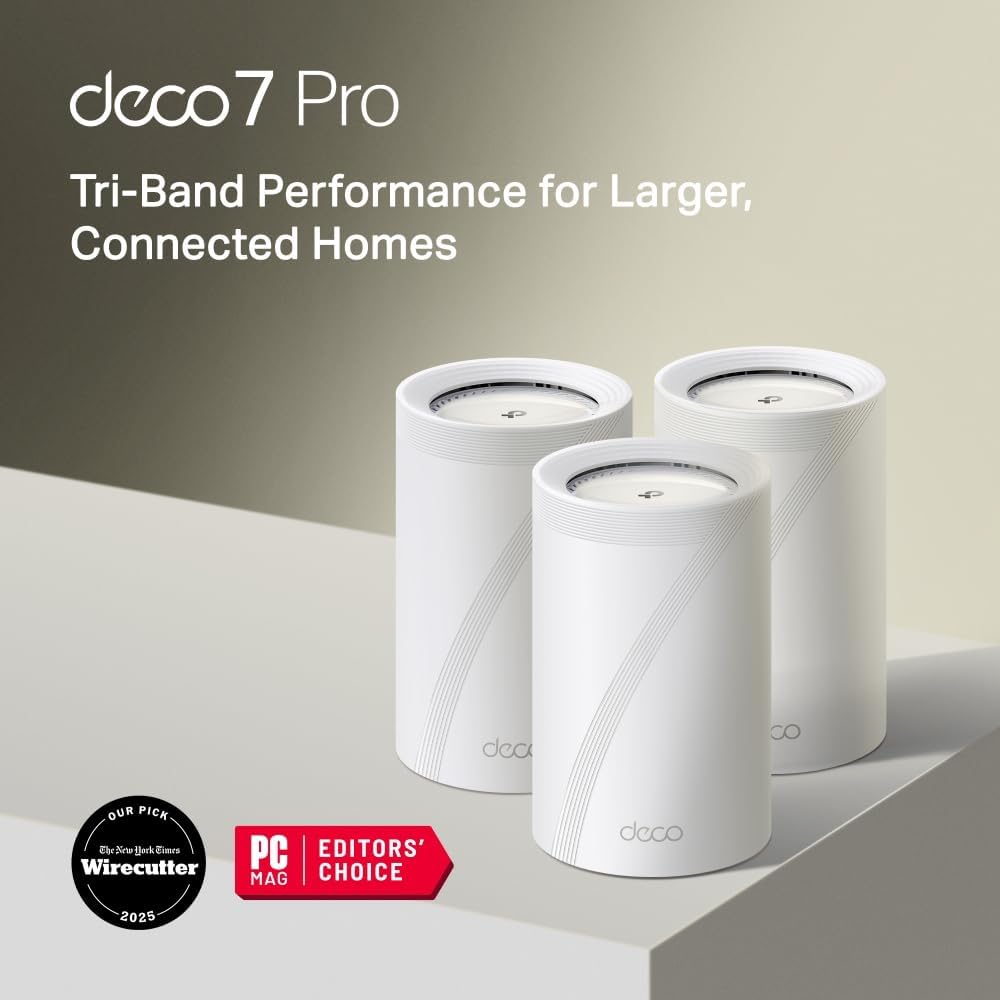
The TP-Link Deco 7 Pro surfaces a genuinely useful edge case worth naming. Tom’s Guide’s mesh coverage notes Deco’s consistent performance across multi-story and mixed-construction installs, including documented reach to accessory outbuildings — a scenario that matters if your property includes a detached garage, workshop, or accessory dwelling unit with security cameras. Indoor square-footage benchmarks rarely capture that outdoor reach, and it is a legitimate differentiator.
Both systems support incremental node addition: you can start with one node and add satellites later, which gives you an upgrade path if your initial single-node deployment proves insufficient.
TP-Link
$399.99
In stock on Amazon
Check price on AmazonPremium Mesh: Netgear Orbi 970
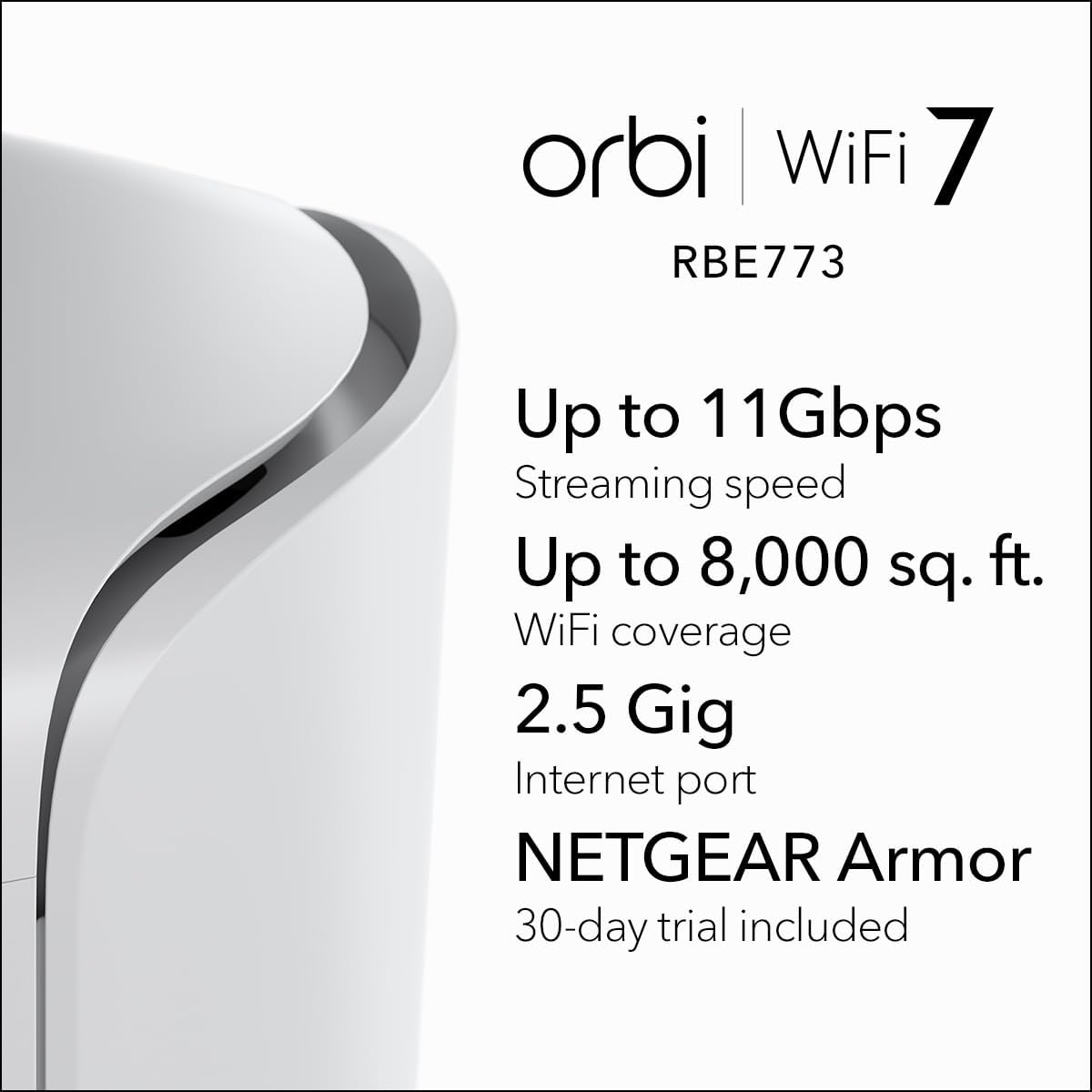
The Netgear Orbi 970 is the most polarizing product in the current Wi-Fi 7 mesh category, and that reputation is earned. Small Net Builder’s analysis of Orbi mesh hardware identifies its tri-band architecture and dedicated 10G backhaul link between nodes as among the most capable configurations available for large homes — the kind of setup that delivers strong throughput even when three or four rooms away from the nearest node.
But aggregate owner feedback, compiled across CNET’s “Best Mesh Wi-Fi Systems for 2025” and Tom’s Guide’s “Best Wi-Fi 7 Routers, 2025,” tells two distinct stories. One cohort describes seamless setup, strong whole-home coverage, and stable long-term performance. Another documents persistent instability — dropped connections, nodes failing to re-associate after a reboot — that only resolved when users moved to a different platform entirely. This publication cannot independently verify which experience is more representative of the general install base. What that split does tell you is that the Orbi 970 carries execution risk. If your home genuinely demands its coverage ceiling — a 5,000-plus square foot layout with multiple floors and dense interior walls — that risk may be worth accepting. For more moderate use cases, a system with a more consistent support track record is the lower-stress path.
CNET’s “Best Mesh Wi-Fi Systems for 2025” also flags a firmware support concern: Netgear’s track record on long-term firmware updates for older Orbi generations has been inconsistent, with gaps between identified issues and released patches measured in months rather than days. Factor that into a premium purchase decision.
NETGEAR RBE773
$569.99
In stock on Amazon
Check price on AmazonProsumer Single Router: GL.iNet Flint 3
The GL.iNet Flint 3 targets a distinctly different buyer than any of the products above. TechRadar’s “Best Wi-Fi 7 routers, 2025” identifies the Flint 3’s OpenWrt-based firmware as its defining characteristic — a platform approach that treats the router as a configurable operating environment rather than a fixed appliance. Reviewers who chose the Flint 3 cite AdGuard Home integration (network-level ad and tracker blocking), local-only configuration with no cloud account registration required, and the ability to segment IoT devices onto separate VLANs as primary reasons for the purchase.
The ceiling for customization is essentially unlimited. So is the floor for complexity. If you know what a VLAN is and have opinions about DNS-over-HTTPS, the Flint 3 rewards you. If you are buying Wi-Fi 7 primarily for whole-home coverage with minimal setup time, it is the wrong tool — point toward eero or Deco instead.
TP-Link
$169.99
In stock on Amazon
Check price on AmazonArchitecture Decision Framework
Here is the decision logic, stated plainly:
Under ~2,500 sq ft, open floor plan, ISP tier 1 Gbps or higher — a single Wi-Fi 7 router with an appropriately sized WAN port is likely sufficient and delivers better raw throughput than any mesh alternative at equivalent cost. The Nighthawk RS600 is the reference product for multi-gig subscribers who want one box.
Two stories, over 2,500 sq ft, or concrete/brick construction — start with a mesh system. The Deco 7 Pro or eero 7 are lower-friction choices for households that want coverage without advanced configuration. The Orbi 970 is the higher-ceiling, higher-risk option for large homes that genuinely need the headroom.
Prosumer or home-lab use case requiring local control, custom DNS, and VLAN segmentation — the GL.iNet Flint 3 is the only Wi-Fi 7 product in the consumer price band that takes that use case seriously. Pair it with a managed switch for wired VLAN segmentation.
One firmware note that applies across the board: Ars Technica’s 2024 report “Wi-Fi 7 review: what it is, how it works, and how fast it is” flags that MLO implementation quality varies significantly by vendor and firmware version. Check each vendor’s update cadence before committing. eero’s cloud-managed model means patches arrive automatically; GL.iNet’s OpenWrt base means updates are frequent but user-initiated; Netgear’s Orbi long-term support history, per CNET’s “Best Mesh Wi-Fi Systems for 2025,” has been inconsistent across product generations.
Frequently Asked Questions
Is a single Wi-Fi 7 router enough for a 2,500 sq ft two-story home, or do I need mesh? It depends on construction. A 2,500 sq ft wood-frame two-story with an open stairwell and a centrally placed router is achievable. Add concrete floors, thick interior walls, or a layout where the router must live in a corner near the cable entry point, and a two-node mesh becomes the more reliable choice. When in doubt, start with one node from a mesh system that allows satellite additions later — it gives you an upgrade path without replacing the whole system.
What is the real difference between dual-band and tri-band Wi-Fi 7 mesh systems? In a mesh system, the backhaul — the radio link between nodes — competes with client traffic if it shares a band. Tri-band systems dedicate one radio (typically 6 GHz) exclusively to node-to-node communication. The practical result is higher sustained throughput and lower latency under load, especially in a busy household with multiple simultaneous 4K streams or video calls. Dual-band mesh is adequate for light use; tri-band is worth the premium in active households.
Do I need a 10G WAN port if my ISP plan is only 1 Gbps? No. A 2.5G WAN port handles 1 Gbps plans with headroom to spare, and most Wi-Fi 7 routers include at least one 2.5G WAN port. The 10G WAN port matters only when your ISP delivers more than 2.5 Gbps to your modem — currently a multi-gig fiber or high-tier cable scenario.
Can I add a satellite node later to a single Wi-Fi 7 router to expand coverage? Only if the router is part of a mesh ecosystem designed for expansion. Standalone routers like the Nighthawk RS600 are not designed to accept satellite nodes. Mesh-capable systems like eero and Deco are specifically built for incremental node addition. If future expandability matters to you, buy into a mesh ecosystem from the start, even if you deploy only one node initially.
Does the GL.iNet Flint 3 require a cloud account to function? No — this is one of the Flint 3’s explicit differentiators, confirmed by TechRadar’s “Best Wi-Fi 7 routers, 2025” coverage. The Flint 3 operates entirely locally and can be configured through a browser-based interface without creating an account or connecting to any cloud service. For privacy-conscious users or anyone uncomfortable with cloud-dependent management, this is a meaningful advantage over eero, Deco, and most consumer mesh platforms.
Why did my Orbi mesh system become unstable, and is a firmware update likely to fix it? The honest answer is: it depends on the specific issue, and there is no guarantee. Instability reports noted in CNET’s “Best Mesh Wi-Fi Systems for 2025” cluster around node re-association failures and channel selection conflicts — both firmware-addressable in theory. Netgear has shipped corrective firmware for past Orbi generations, but the timeline between problem identification and patch release has historically been months, not days. If instability followed a recent firmware update, rolling back to a prior version is worth attempting if Netgear provides that option. If the instability predates any firmware change, the underlying cause is harder to diagnose remotely and the case for switching platforms becomes stronger.