August 19, 2026 • Darius Mosley • 9 min reading time • Prices verified June 29, 2026
Outdoor Wi-Fi Access Points: Extending Coverage Without Killing Your PoE Budget
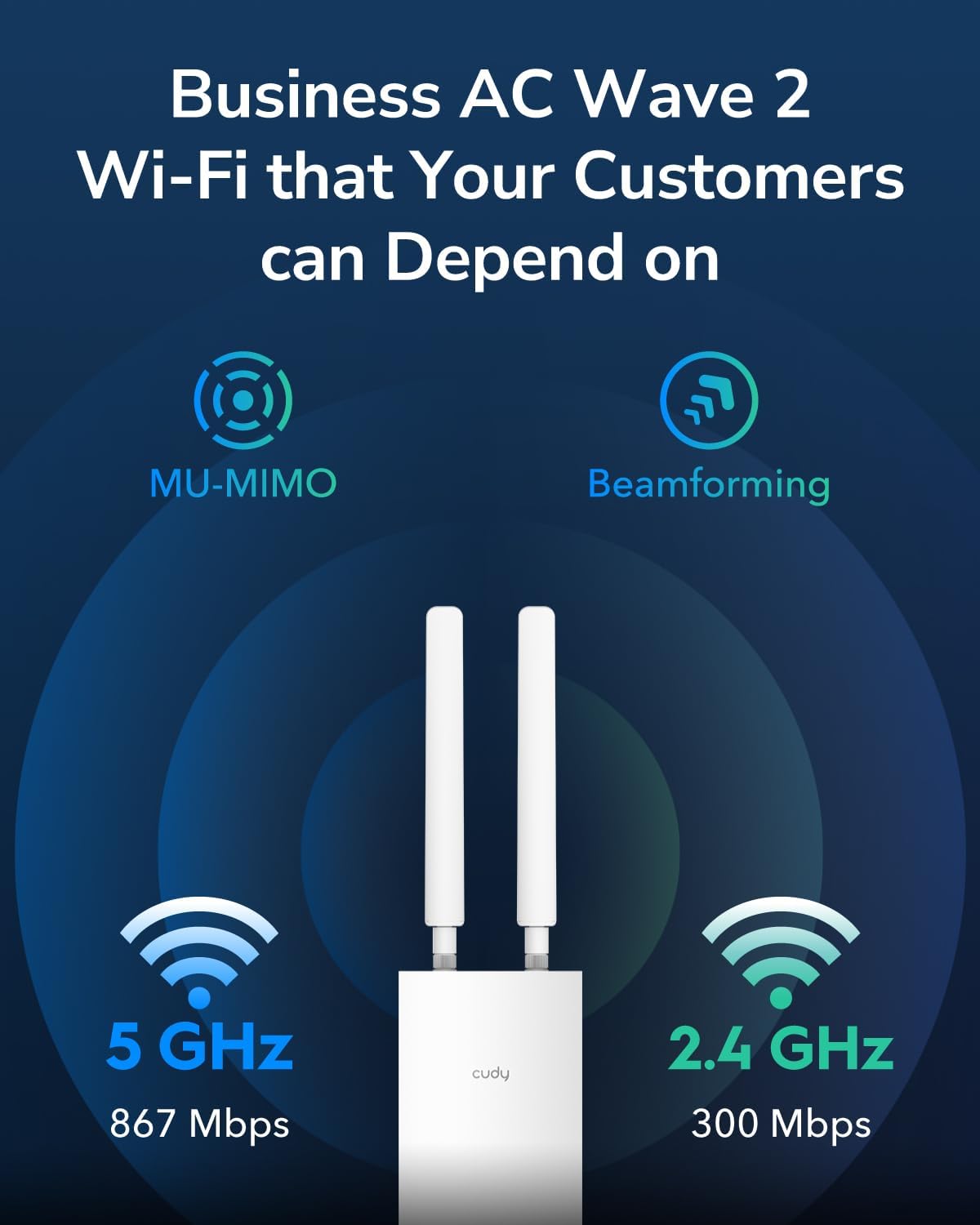
If you’ve ever had strong Wi-Fi in your living room but near-zero signal on your back patio or in your detached garage, you’re not alone — and the fix is more straightforward than it sounds. An outdoor Wi-Fi access point is a weatherproof radio device you mount outside your home that connects back to your router over a standard network cable, then broadcasts its own wireless signal to cover the yard, driveway, or outbuilding. “Access point” just means it’s a dedicated wireless transmitter — not a router, not a mesh node, but a purpose-built device that lives at the edge of your network. The catch is powering them: most outdoor APs run on PoE (Power over Ethernet), which means the same cable that carries network data also carries electrical power. That’s elegant, but it means you may need a PoE switch or injector to make the whole thing work — and the cost of that infrastructure is where outdoor Wi-Fi projects quietly balloon. This guide maps the realistic budget ranges, names the tradeoffs, and gives you a clear decision rule at the end.
| EDITOR'S PICKWAVLINK WiFi 7 BE5100 Outdoor W… | Mid-tierWAVLINK 2026 AX3000 WiFi 6 Wire… | Budget pickOutdoor 5 Port PoE Switch/Exten… | |
|---|---|---|---|
| Wi-Fi standard | Wi-Fi 7 | Wi-Fi 6 | — |
| Max speed | BE5100 | AX3000 | — |
| PoE budget | — | — | 60W |
| Weatherproofing | IP67 | IP67 | — |
| Client capacity | — | 256 devices | — |
| Ports | 2.5 Gbps Ethernet | — | 5 |
| Price | $249.99 | $209.90 | $67.99 |
| See on Amazon → | See on Amazon → | See on Amazon → |
Why Outdoor Wi-Fi Is a Different Animal Than Slapping Up a Range Extender
A range extender (also called a Wi-Fi repeater) rebroadcasts whatever signal it receives from your indoor router. The problem outdoors is that the extender is typically sitting inside, near a window, already receiving a weakened signal — then rebroadcasting something weaker still. Backhaul is cut in half. Latency doubles. Everyone who has tried this knows how it ends.
A dedicated outdoor access point changes the equation because the data path is wired all the way back to your router or managed switch via Ethernet cable. The AP itself does only one job: transmit clean Wi-Fi to the surrounding area. No signal degradation from wireless hops. Reviewers at PCMag’s outdoor networking guides consistently flag this as the single biggest performance differentiator when comparing extenders against wired APs in outdoor deployments.
The PoE Picture You Need to Understand Before Buying Anything
PoE standards are set by IEEE (the Institute of Electrical and Electronics Engineers) and define how much power a switch port can deliver over Cat5e or Cat6 cable:
| Standard | Max Power Delivered | Typical Use Case |
|---|---|---|
| 802.3af (PoE) | 15.4 W | Basic cameras, low-power APs |
| 802.3at (PoE+) | 30 W | Mid-range APs, PTZ cameras |
| 802.3bt (PoE++) | 60–90 W | High-performance APs, displays |
Per Ars Technica’s explainer on PoE standards, most outdoor access points in the $150–$400 range draw between 12 W and 22 W, placing them squarely in the PoE or PoE+ window. But flagship tri-radio outdoor units — particularly those supporting Wi-Fi 6E’s 6 GHz band — can push into PoE+ territory under load and will throttle performance if underpowered. This is the mismatch that kills outdoor deployments: someone buys a capable AP, plugs it into an older PoE switch with 802.3af ports only, and wonders why throughput is 40% below spec.
The budget implication: if you don’t already have a PoE+ capable switch with available ports, add $80–$250 to your project cost before the AP is even in the picture.
Matching the AP to the Job: Three Scenarios With Real Numbers
Scenario 1: Single-Zone Coverage (Patio, Small Yard, Garage)
The ask: solid Wi-Fi for video streaming, video calls, or smart home devices within roughly 75–150 feet of the house.
The right tool: a single dual-band Wi-Fi 6 outdoor AP with an internal omnidirectional antenna. The Ubiquiti UniFi U6 Mesh sits in this category — it’s spec-rated for outdoor use, supports 802.11ax (Wi-Fi 6) on both 2.4 GHz and 5 GHz bands, and draws under 13 W, making it compatible with standard 802.3af PoE ports. The TP-Link Omada EAP670-Outdoor competes directly here; it adds a 2.5 GbE uplink port, which future-proofs you if you ever wire the run with Cat6 and upgrade the switch. SmallNetBuilder’s outdoor AP roundup notes that the EAP670-Outdoor’s 2.5 GbE port is underused in most residential installs today but becomes meaningful the moment you upgrade to a multi-gig managed switch.
By the numbers — Scenario 1 budget floor:
- Outdoor AP (single): $180–$250
- PoE injector (if no PoE switch): $20–$35
- Cat6 outdoor-rated cable + conduit materials: $40–$80
- Total: $240–$365 before labor or mounting hardware
Scenario 2: Whole-Property Coverage (Large Yard, Detached Structures, Pool Area)
The ask: seamless roaming across multiple zones, fast enough for 4K streaming and low-latency gaming outdoors, with devices handing off between APs without the user noticing.
The right tool: two or three outdoor APs managed by a central controller (either cloud-based or a locally hosted software controller). This is where ecosystem lock-in becomes a real decision. Ubiquiti’s UniFi ecosystem, TP-Link’s Omada ecosystem, and Aruba’s Instant On platform each offer outdoor-rated APs with centralized management — but they don’t mix cleanly. UniFi APs require a UniFi controller (the free UniFi Network software, a Cloud Key hardware device, or a Dream Machine). Omada APs use a separate Omada controller. Mix brands and you lose seamless roaming, unified dashboards, and coordinated channel management.
Tom’s Guide’s 2025 outdoor AP coverage consistently calls out fast BSS transition (802.11r) — the protocol that lets a device hand off between APs without re-authenticating — as a key differentiator. This feature is most reliably implemented within a single vendor’s managed ecosystem; consumer-grade mesh systems often claim it but implement it inconsistently across heterogeneous gear.
The UniFi U6 Mesh Pro is the upgrade step here: a tri-radio design with a dedicated 5 GHz backhaul radio, rated for environments with higher client density and interference. Published specs put throughput at up to 3.9 Gbps aggregate across bands — real-world conditions will be lower, but the headroom matters when you have a dozen devices contending outdoors.
By the numbers — Scenario 2 budget floor (3-AP deployment):
- Outdoor APs × 3: $540–$900
- 8-port PoE+ managed switch: $120–$250
- UniFi Cloud Key or Dream Machine (controller): $80–$380
- Cabling, conduit, weatherproof junction boxes: $120–$200
- Total: $860–$1,730 depending on controller and AP tier
Scenario 3: Point-to-Point or Long-Distance Links (Barn, Guest House, Across a Property)
The ask: connecting a structure 200+ feet away where trenching a new cable run isn’t practical or is cost-prohibitive.
The right tool: a dedicated wireless bridge, not a standard omnidirectional outdoor AP. Ubiquiti’s airMax and LiteBeam product lines, along with Cambium Networks’ ePMP series (more common in commercial installs), are purpose-built for directional point-to-point links. These use narrow-beam antennas to concentrate signal over distance. Think of them as a focused beam rather than the 360-degree broadcast of a typical AP. You install one unit at each end of the link; they talk to each other, and the far end connects to a switch that then serves local APs or wired devices in that structure.
Operators running long-range links in aggregated community reviews consistently report that 5 GHz point-to-point bridges using Ubiquiti airMax hardware maintain 150–300 Mbps throughput at 300–500 feet under clear line-of-sight conditions — more than enough for 4K streaming and VoIP. The critical requirement is line of sight: trees, walls, and even heavy foliage degrade performance significantly. If line of sight isn’t possible, a trenched fiber or Cat6 run is nearly always the more reliable long-term investment despite higher upfront cost.
The Five Questions That Drive the Right Purchase Decision
1. Do you have an existing PoE switch with available ports? If yes, check port wattage before buying an AP. If no, budget a PoE injector (single AP) or managed switch (multi-AP) into the project from day one.
2. How far is the cable run from your switch to the mounting location? PoE over Ethernet has a 100-meter (328-foot) hard limit per the IEEE 802.3 standard. Beyond that, you either need a mid-span PoE extender or a different architecture entirely.
3. What is your actual ISP throughput? If you’re on a 500 Mbps plan, a Wi-Fi 6E AP with a 2.5 GbE uplink port delivers no additional real-world benefit today — a standard Gigabit Ethernet port is sufficient. If you’re on multi-gig fiber (2.5 Gbps or faster), that 2.5 GbE uplink matters, but only if your switch also has 2.5 GbE ports. WAN port mismatch is as real outdoors as indoors.
4. Are you building for a single-vendor ecosystem or mixing? Mixing vendors is fine for basic coverage, but you lose centralized roaming management, unified RF (radio frequency) channel coordination, and single-pane-of-glass monitoring. The productivity cost is ongoing, not one-time.
5. What is the wall and obstacle profile between the AP and the devices? Manufacturer coverage claims are almost always measured in open-air, line-of-sight conditions. A dense wood privacy fence, stucco walls, or chain-link fencing with metal posts all attenuate signal meaningfully. Per SmallNetBuilder’s methodology notes, real-world outdoor throughput at 100 feet through mixed obstacles commonly runs 30–50% below the manufacturer’s headline figure. Plan for this by placing APs for line-of-sight where possible and by buying one tier of performance above what you think you need.
Firmware Support: The Factor That Ages Your Investment
Outdoor access points are physical infrastructure — they’re harder to reach for resets, they get weather-cycled, and they’re expected to run for years. Firmware support longevity matters more here than almost anywhere else in home networking. Ubiquiti has a reputation for long firmware support windows on its UniFi line, with units like the original UAP-AC-Pro still receiving updates years after their introduction. TP-Link’s Omada line has improved substantially through 2024–2025 in this area, but its track record is shorter. Aruba Instant On’s consumer-commercial hybrid approach offers predictable multi-year update commitments, which operators in long-run reviews note is meaningful for installations you don’t want to revisit annually.
When evaluating any outdoor AP, check the manufacturer’s published end-of-support date if available, and factor in whether the ecosystem’s controller software will continue to support older hardware as it evolves.
The Decision Rule
- If you have one structure to cover, a single cable run you can pull, and a modest budget: a single Wi-Fi 6 outdoor AP with a PoE injector is the right scope. Don’t overbuy.
- If you need multiple zones and seamless roaming: commit to a single managed ecosystem — UniFi or Omada — budget the controller, and size your PoE switch ports to PoE+ minimum. The upfront cost is real; the payoff is a system you can manage from one dashboard and expand without starting over.
- If you need to bridge a detached structure beyond practical cable distance: a point-to-point wireless bridge is the correct tool, not a long-range omnidirectional AP. Treat it as infrastructure, not a Wi-Fi product.
- In every case: add the PoE switch, cabling, and mounting hardware to your budget before you look at AP prices. The AP is rarely where outdoor Wi-Fi projects go over budget — the infrastructure surrounding it is.