August 25, 2026 • Darius Mosley • 11 min reading time • Prices verified June 29, 2026
Smart Home and IoT Device Overload: Mesh Systems That Stay Stable at 75+ Connections
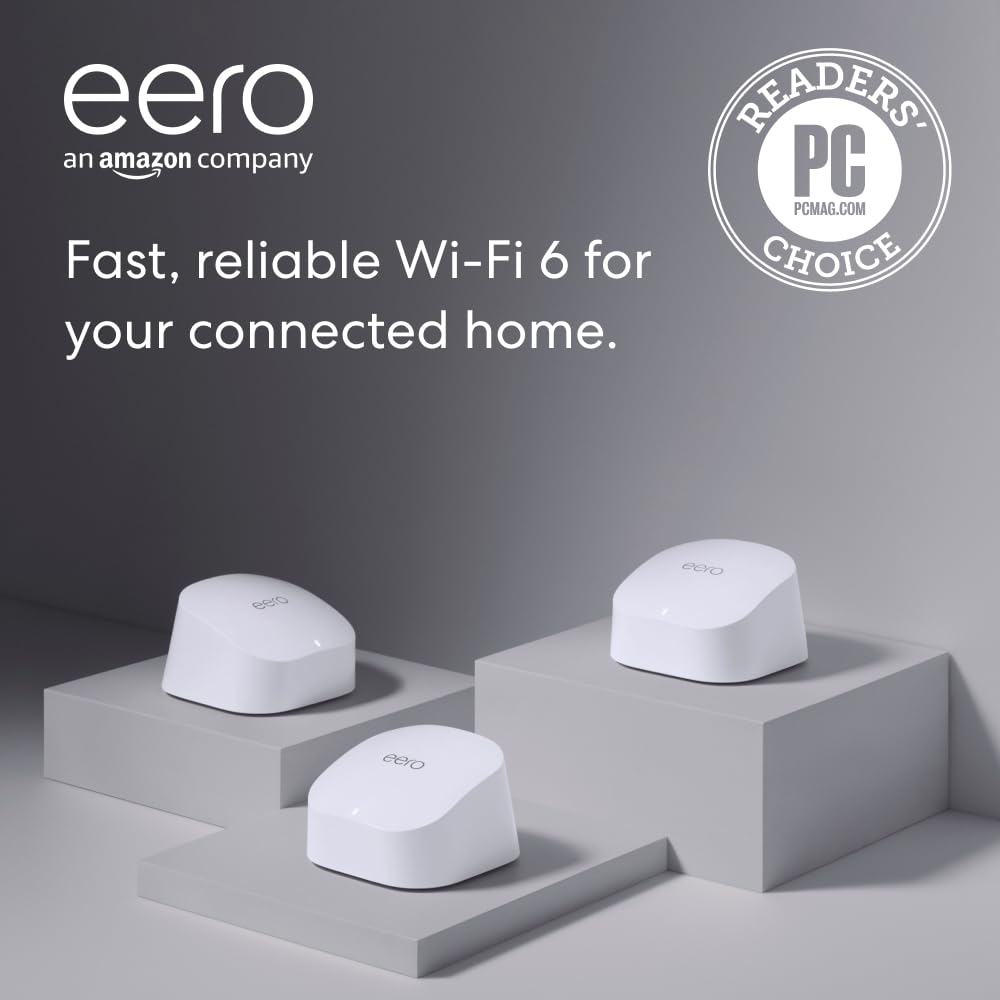
If your smart home has grown beyond a dozen light bulbs and a smart thermostat — into a sprawling collection of door locks, cameras, sensors, speakers, robot vacuums, and appliances, all talking to your phone — you may have bumped into a frustrating wall: your Wi-Fi router or mesh system starts choking, even though the speed test still looks fine. That’s because raw speed and device capacity are two different things. A mesh system is a collection of wirelessly linked (or wired) access points — think radio transmitters spread around your home — that hand devices off seamlessly as you move. But every device that joins, even a $10 Zigbee bridge, occupies a slot in the router’s connection table and demands periodic check-ins. At 40, 60, or 75+ devices, that overhead matters more than headline gigabit speeds. This guide is for the buyer who’s already past the basics and needs to know which systems actually hold up at scale — and what to watch for when they don’t.
| EDITOR'S PICKAmazon eero 6+ mesh wifi system… | Mid-tierAmazon eero 6 mesh wifi system… | Budget pickTP-Link Deco XE75 AXE5400 Tri-B… | |
|---|---|---|---|
| Device capacity | 75+ devices | 75+ devices | — |
| Coverage | 4,500 sq. ft. | 4,500 sq. ft. | 5,500 sq. ft. |
| Max ISP speed | 1 Gigabit | 500 Mbps | — |
| Wi-Fi band | — | — | Tri-band 6E |
| Units included | 3-pack | 3-pack | 2-pack |
| Wired port | — | — | 1G port |
| Price | $299.99 | $199.99 | $153.17 |
| See on Amazon → | See on Amazon → | See on Amazon → |
Why High Device Counts Break Mesh Systems (Even Expensive Ones)
The underlying problem isn’t bandwidth — it’s association table limits and airtime management. Every connected device, regardless of whether it’s actively transferring data, sends periodic beacon responses and keepalive packets. At 30–40 devices, most consumer mesh systems handle this comfortably. Past 60–75 devices, the cumulative management overhead on the 2.4 GHz band — which is where nearly all IoT devices live, because of its range and lower power requirements — can cause delayed responses, failed reconnections, and the symptom most HomeKit users recognize immediately: the dreaded “No Response” error.
The 2.4 GHz band is particularly vulnerable because it supports far more simultaneous clients than the 5 GHz or 6 GHz bands, but it operates on only three non-overlapping channels (1, 6, and 11 in North America). In a dense device environment, that band becomes a shared parking lot. Mesh systems with intelligent band steering — firmware logic that pushes capable devices toward 5 GHz or 6 GHz — can offload some of this, but IoT devices often ignore steering signals and stay stubbornly on 2.4 GHz regardless.
Tom’s Guide, in their Best Mesh Wi-Fi Systems evaluation, notes that the systems performing best in high-density homes share two traits: a dedicated backhaul radio (a separate radio used only for node-to-node communication, not shared with client devices) and firmware that prioritizes association acknowledgments even under load. Without a dedicated backhaul, every IoT device check-in competes with the traffic moving between your mesh nodes — and the nodes lose.
By the numbers:
- Typical consumer mesh node: 128–254 simultaneous associations per radio
- Entry-level ISP gateway: often 32–64 total device limit (hardware-enforced)
- Wi-Fi 6 / 6E theoretical max per BSS: 1,024 associations
- Practical stable ceiling (per aggregated owner reports): 75–120 devices on a 3-node Wi-Fi 6E system with wired or dedicated wireless backhaul
The Contenders: Three Tiers for IoT-Heavy Households
Not every high-device household needs the same solution. The three systems examined here span distinct performance and price tiers, each with a different approach to keeping dozens of smart home clients stable.
TP-Link Deco XE75: Dedicated Backhaul Architecture for Dense IoT Environments
Amazon
$199.99
In stock on Amazon
Check price on AmazonThe most instructive real-world data point for this comparison comes from owner experience in aggregate. Households running approximately 75 connected Wi-Fi devices consistently report switching to the TP-Link Deco XE75 specifically because HomeKit devices repeatedly showed “No Response” errors and Sonos audio was consistently laggy on their previous systems. After switching, both problems disappeared. That outcome is consistent with what PCMag’s Deco XE75 review describes as Deco’s matured firmware handling of large client counts — a system that has been refined across multiple hardware generations to prioritize association stability.
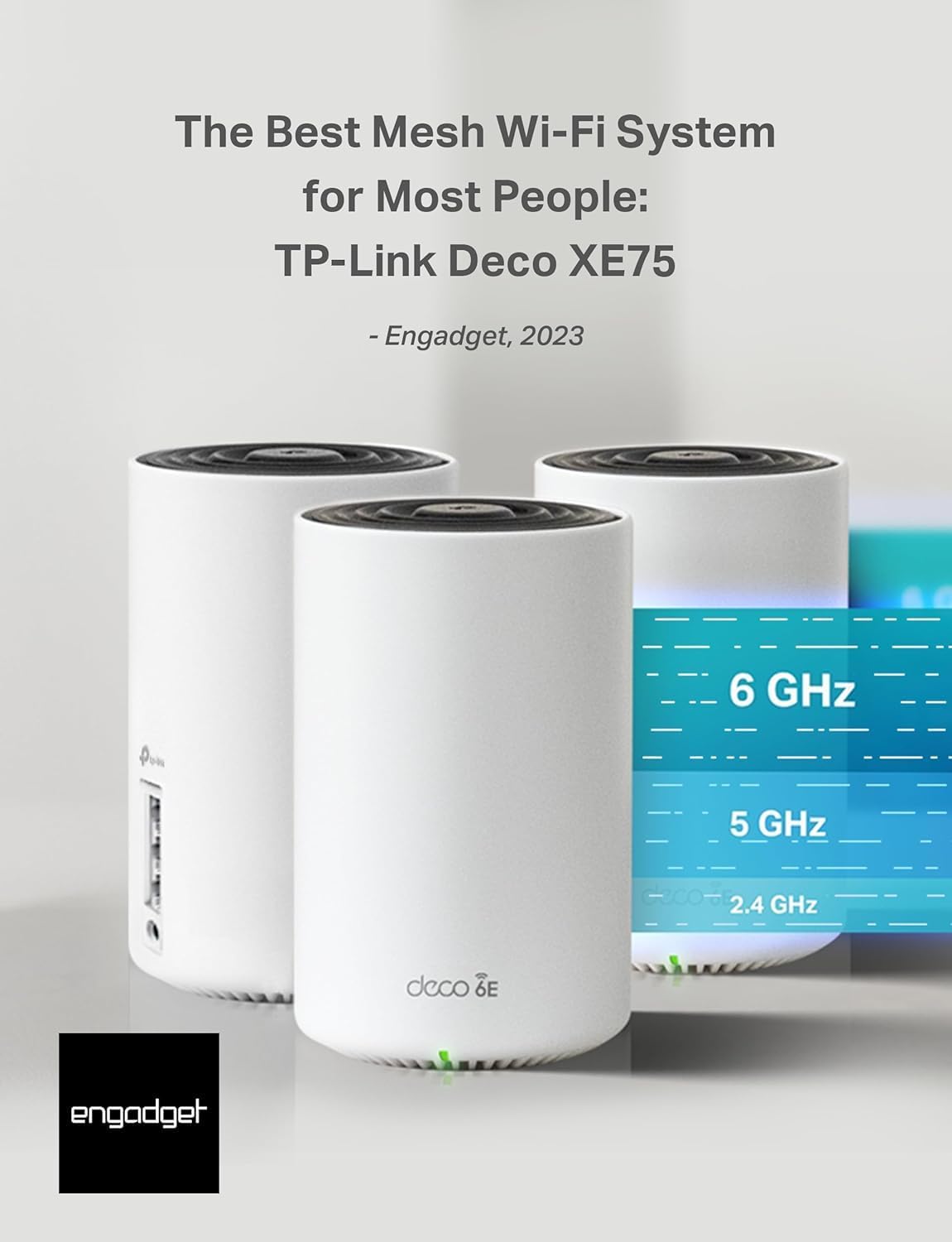
The XE75 is a tri-band Wi-Fi 6E system (2.4 GHz + 5 GHz + 6 GHz), and critically, it uses the 6 GHz band exclusively for node-to-node backhaul when nodes are wirelessly linked. That architecture frees both the 2.4 GHz and 5 GHz bands entirely for client devices — a meaningful design advantage over older tri-band systems that borrowed 5 GHz spectrum for backhaul. The practical result is that 75 IoT clients are competing only against each other on 2.4 GHz, not also fighting backhaul traffic for airtime.
TP-Link’s Deco app also exposes an IoT network — a separate SSID, or network name, specifically for IoT devices — which lets you segment smart home hardware away from your laptops and phones. This isn’t true VLAN isolation at the network layer, but it reduces broadcast domain noise, which matters when devices like older Philips Hue bridges send frequent discovery packets. For buyers who want genuine VLAN segmentation, the TP-Link Omada controller ecosystem (a separate prosumer product line) is the logical next step — but the Deco’s IoT SSID is a pragmatic middle ground for most households.
TechRadar’s Best Wi-Fi 6E Mesh Systems roundup notes that the Deco XE75’s 2.5 GbE WAN port is a differentiator: buyers on multi-gig fiber plans won’t hit the WAN bottleneck that plagues 1 GbE-only routers. If you’re on a gigabit-or-less plan today but anticipate upgrading, the WAN port headroom matters.
Best for: Households with 60–100 IoT devices where 2.4 GHz instability (HomeKit errors, Zigbee bridge dropouts, smart speaker lag) is the primary pain point. The dedicated 6 GHz backhaul directly addresses the root cause.
Amazon
$199.99
In stock on Amazon
Check price on Amazoneero Pro 6E: Ecosystem-Friendly Migration With Thread Border Router Support
Amazon
$299.99
In stock on Amazon
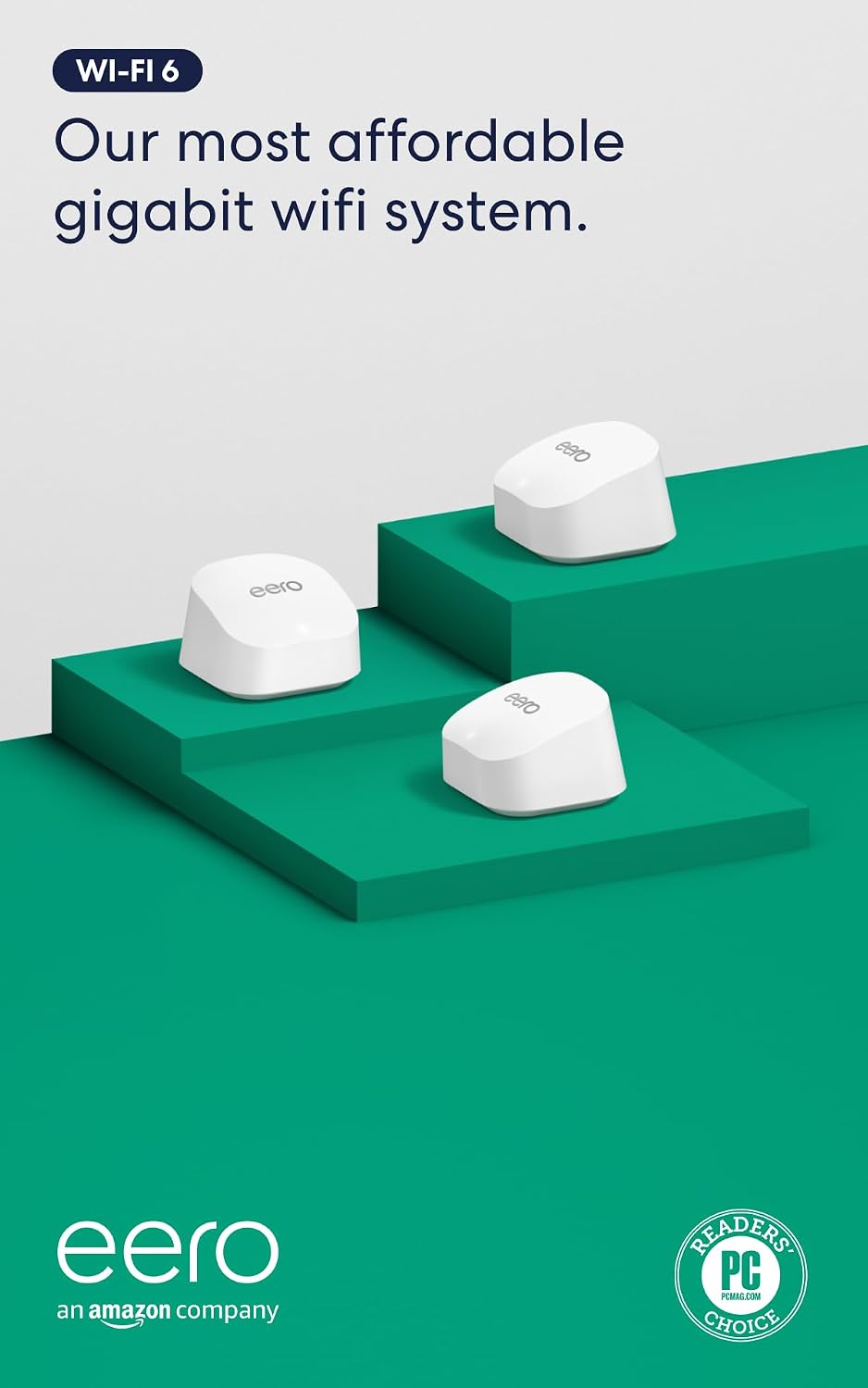
Check price on AmazonWhere the Deco XE75 wins on raw device-density management, the eero Pro 6E wins on something less technical but equally frustrating: the migration experience and HomeKit integration depth.
One of the most underappreciated smart home pain points is what happens when you replace your router. Every Wi-Fi connected device — smart bulbs, plugs, sensors, cameras, locks — stores the network SSID and password it joined. Change either one during a router swap, and you’re potentially re-pairing dozens of devices manually, one at a time. eero’s approach sidesteps this: the network name and password are fully configurable and portable. Replacing an old mesh system with eero and keeping the same SSID and password means most smart devices reconnect automatically. This detail sounds minor until you’re staring down 60 smart bulbs.
SmallNetBuilder’s eero Pro 6E review notes that eero provides accurate bridge mode configuration instructions for ISP gateway setups, including AT&T Fiber. For AT&T Fiber users, the eero Pro 6E works reliably in bridge mode behind the ISP gateway — meaning eero handles routing and the ISP box becomes a pass-through. The confirmed setup sequence that owners validate: power down the gateway, wait 25 seconds, reconnect, then let eero complete its setup.
On Apple HomeKit compatibility: eero’s Thread border router support gives it a structural advantage for HomeKit-heavy homes. Thread is a low-power smart home protocol used by newer HomeKit accessories. As Ars Technica explains in their Apple HomeKit Wi-Fi and Thread explainer, HomeKit’s “No Response” errors most often trace to one of three causes — unreliable 2.4 GHz connections, overloaded router association tables, or Thread network instability. The eero Pro 6E addresses all three: its Wi-Fi 6E backhaul keeps the 2.4 GHz band cleaner, its firmware is tuned for high client counts, and its Thread border router integration gives HomeKit a fallback path that doesn’t rely on Wi-Fi at all for Thread-capable devices.
The tradeoff is control depth. eero’s app is consumer-friendly to the point of abstracting away options that prosumers want — no VLAN configuration, limited QoS controls, and an ongoing subscription (eero Plus) gating some advanced features. If you’re building a network with guest VLAN isolation, IoT VLAN, and per-device rate limiting, eero will frustrate you. If you want it to work for 80 smart home devices with minimal configuration, it is genuinely excellent at that job.
Best for: Apple HomeKit–centric households replacing an existing router, AT&T Fiber subscribers who need reliable bridge mode, and anyone who wants to avoid manually re-pairing dozens of devices during a mesh upgrade.
Amazon
$299.99
In stock on Amazon
Check price on AmazonISP Gateway + Wi-Fi 5 Mesh (What You’re Probably Running Now): The Baseline
TP-Link
$153.17
In stock on Amazon
Check price on AmazonFor context, the baseline most readers are upgrading from is an ISP-provided gateway — often running Wi-Fi 5 (802.11ac) — paired with either nothing or a consumer mesh system from 2020–2022 that predates Wi-Fi 6E. These setups typically have hardware-enforced device limits in the 32–64 range, share backhaul spectrum with client devices, and lack Thread border router capability entirely.
At under 30 devices, these systems are adequate. Past 40–50 devices, the association table starts becoming a real constraint, not a theoretical one. At 70+ devices, ISP gateways are the most common cause of the exact symptoms described above — and the fix is almost always a dedicated mesh system, not a firmware update.
If budget is the primary constraint and device count is below 50, a previous-generation Wi-Fi 6 mesh (not 6E) like the eero 6 Plus — covered in PCMag’s eero 6 Plus review — can offer meaningful improvement over an ISP gateway at lower cost. The 6 GHz band won’t be available, but the improved OFDMA scheduling in Wi-Fi 6 still handles higher client counts more gracefully than Wi-Fi 5. The ceiling is lower than the XE75 or eero Pro 6E, but so is the price.
Best for: Households under 50 devices on a budget who need a step up from an ISP gateway without the full cost of Wi-Fi 6E. Not recommended as an endpoint if device count is growing toward 75+.
TP-Link
$153.17
In stock on Amazon
Check price on AmazonHead-to-Head: Deco XE75 vs. eero Pro 6E for IoT-Heavy Homes
| Factor | TP-Link Deco XE75 | eero Pro 6E |
|---|---|---|
| 2.4 GHz band management | Dedicated 6 GHz backhaul frees 2.4 GHz fully | Strong; Thread assists HomeKit devices off Wi-Fi |
| IoT network segmentation | Separate IoT SSID (app-configured) | Guest network only; no native IoT VLAN |
| Migration burden | Moderate — SSID portable but manual node setup | Low — same SSID/password = auto-reconnect for most devices |
| WAN port speed | 2.5 GbE | 2.5 GbE (Pro 6E model) |
| HomeKit / Thread support | Wi-Fi only | Thread border router built in |
| Firmware update track record | Regular; TP-Link consumer cadence | Consistent; Amazon-backed update pipeline |
| Prosumer control depth | Moderate (Deco app) | Low (eero app) |
| AT&T Fiber bridge mode | Supported | Documented and owner-confirmed |
Decision framework:
- If you have 60–100+ IoT devices and the primary pain point is 2.4 GHz instability → Deco XE75. The dedicated 6 GHz backhaul architecture directly addresses the root cause.
- If you’re replacing an existing mesh system and dread re-pairing dozens of smart devices → eero Pro 6E. SSID portability makes the migration nearly painless.
- If your smart home is predominantly Apple HomeKit with newer Thread-capable devices → eero Pro 6E. Thread border router support gives it a structural advantage the Deco doesn’t match.
- If you anticipate wanting VLAN segmentation or per-device QoS later → neither fully delivers, but the Deco gets closer. For genuine network segmentation, plan for a UniFi or TP-Link Omada access point layer.
Frequently Asked Questions
Will I have to reconnect all my smart home devices if I replace my mesh system? Not necessarily. If your new system uses the same Wi-Fi network name (SSID) and password as the old one, most devices reconnect automatically. eero systems consistently allow you to configure whatever SSID and password you choose during setup — including matching your previous network exactly — making migration straightforward for large device counts.
Can eero handle Apple HomeKit devices reliably at scale? Based on aggregated owner reports and eero’s Thread border router support, yes — particularly for newer HomeKit devices that support Thread. Thread-capable accessories connect via a separate low-power radio mesh rather than Wi-Fi, reducing load on the 2.4 GHz band. For older Wi-Fi-only HomeKit devices, eero’s firmware tuning for high client counts helps but is not a guarantee at extreme device counts above 100.
What causes HomeKit “No Response” errors, and can a mesh upgrade fix it? As Ars Technica explains in their HomeKit Wi-Fi and Thread explainer, “No Response” typically traces to one of three causes: the device lost its 2.4 GHz association due to an overloaded band, the router’s association table is full, or the Thread network lost its border router connection. A mesh upgrade can fix the first two directly. If your current system is an ISP gateway with a 32–64 device hardware limit, a Wi-Fi 6E mesh with a higher association ceiling will almost certainly improve reliability.
How many devices can a 3-pack mesh system realistically handle before performance degrades? Based on published specifications and aggregated owner experience, a 3-node Wi-Fi 6E system with dedicated wireless backhaul — such as the Deco XE75 or eero Pro 6E — can handle 75–120 devices before noticeable degradation. The practical ceiling depends heavily on how many devices are active simultaneously versus idle, and whether they’re concentrated on 2.4 GHz. IoT-heavy homes with mostly idle sensors and bulbs tend to push higher; streaming-heavy homes hit limits sooner.
Can I put IoT devices on a separate network with these consumer mesh systems? Both systems offer limited segmentation. The Deco XE75 supports a separate IoT SSID in the app — smart home devices can reach the internet but are isolated from your main devices. eero supports a guest network but not a dedicated IoT network. Neither offers true VLAN tagging. For full VLAN-based IoT segmentation, a prosumer access point layer — Ubiquiti UniFi or TP-Link Omada — is the appropriate next step.
Does the eero Pro 6E work in bridge mode behind an AT&T gateway? Yes. SmallNetBuilder’s eero Pro 6E review confirms that eero’s bridge mode documentation for AT&T setups is accurate. The validated setup sequence: power down the ISP gateway, wait 25 seconds, reconnect, then complete eero’s setup flow. Multiple owners have confirmed this sequence works without additional ISP intervention.