August 4, 2026 • Darius Mosley • 12 min reading time • Prices verified June 29, 2026
Mesh Wi-Fi for the Non-Technical Household: eero vs. Deco for Dead-Zone Elimination
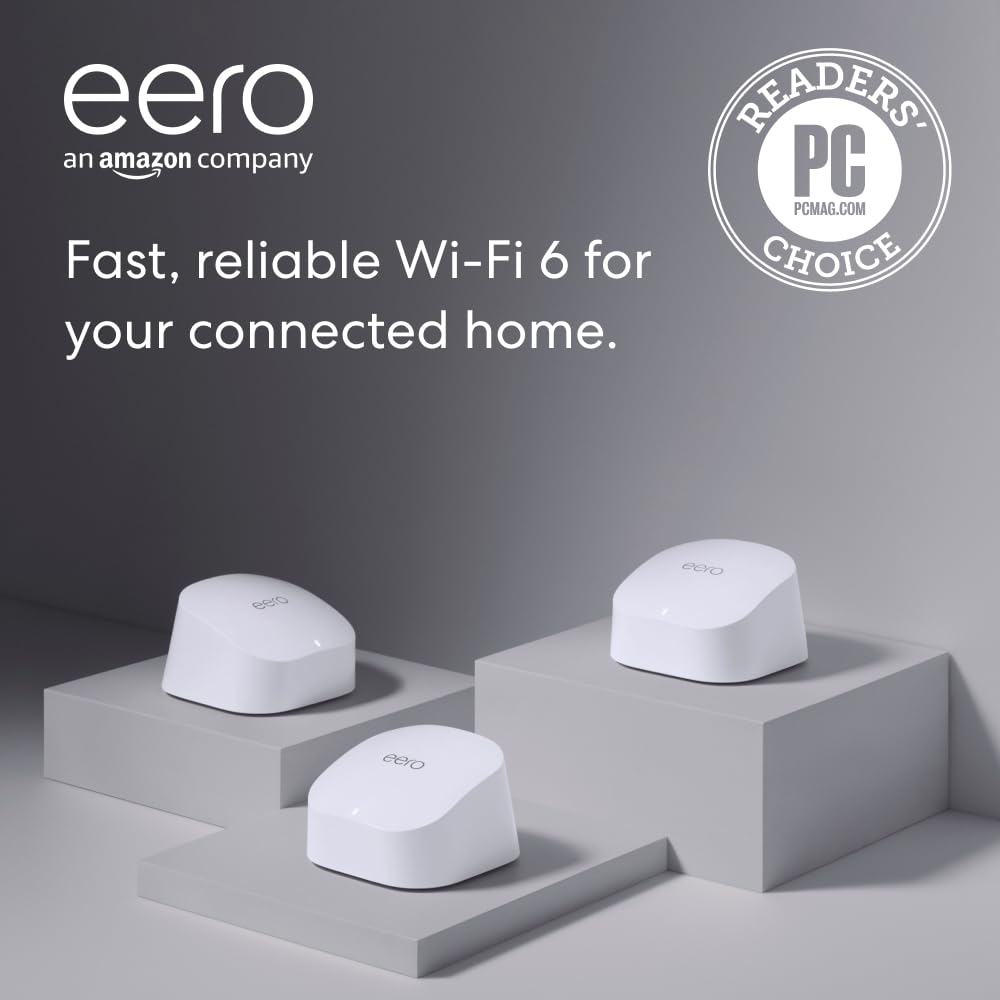
If you’ve ever noticed that your Wi-Fi works great in the living room but drops to a crawl in the upstairs bedroom or garage, you’re dealing with a dead zone — an area your router’s signal can’t reach reliably. A mesh Wi-Fi system solves this by replacing a single router with two or three small nodes that you spread around your home. They all broadcast the same network name so your phone, laptop, and smart-home gadgets connect to whichever node is closest — automatically, without you touching anything. Two brands dominate this space for non-technical households: Amazon’s eero and TP-Link’s Deco. Both are solid. But they make different tradeoffs, and choosing the wrong one for your situation costs real money. This guide walks you through exactly where those tradeoffs land.
| EDITOR'S PICKAmazon eero 6+ mesh wifi system… | Mid-tierAmazon eero 6 mesh wifi system… | Budget pickTP-Link Deco WiFi 6 Mesh System… | |
|---|---|---|---|
| Max speed | Gigabit | 500 Mbps | — |
| Coverage | 4,500 sq. ft. | 4,500 sq. ft. | 5,800 sq. ft. |
| Device capacity | 75+ devices | 75+ devices | — |
| Ethernet ports | — | — | 6 total |
| Price | $299.99 | $199.99 | $149.99 |
| See on Amazon → | See on Amazon → | See on Amazon → |
Why This Choice Actually Matters (and What Most Buyers Get Wrong)
The most common mistake shoppers make is treating eero and Deco as interchangeable because both check the “mesh” and “Wi-Fi 6” boxes at similar price points. They aren’t interchangeable — they optimize for different things.
eero is built around simplicity and ecosystem depth. The app-guided setup is, by nearly every published account, the smoothest in the consumer mesh category. Tom’s Guide, in their “Best Mesh Wi-Fi Systems” roundup (2025), and The Wirecutter / NYT, in their “The Best Wi-Fi Routers” guide (2025), consistently note that eero’s onboarding removes almost every decision from the user’s hands. Owners across eero 6, eero 6+, and eero Pro 6E report being fully operational in under five minutes — including the step of putting their ISP’s gateway into bridge mode, a setting that hands routing duties to the eero so you don’t end up with two overlapping networks.
Deco is built for people who want more control over their infrastructure without going full enterprise. Its standout feature is wired backhaul support — the ability to run an Ethernet cable between Deco nodes so that inter-node communication travels over wire instead of air. On wireless-only backhaul, every wireless hop between nodes eats into your available bandwidth; at distance through multiple walls, that penalty compounds fast. Ars Technica, in their “Wi-Fi 6E Mesh Systems: Real-World Range vs. Spec-Sheet Claims” analysis (2024), identifies this as the single biggest gap between mesh marketing claims and lived experience: systems without wired backhaul underperform their spec sheets significantly in multi-story homes with dense construction. Deco’s Ethernet backbone turns that weakness into a non-issue — if you’re willing to run a cable or already have Ethernet in the walls.
The decision frame in plain terms:
- If you want the fastest possible setup and the fewest ongoing decisions, eero wins.
- If you have Ethernet runs (or are willing to add them) and want backhaul performance that holds up through concrete and brick, Deco wins — often by a meaningful margin.
Head-to-Head: Where Each System Has the Edge
Setup and App Experience
eero: Simplicity First
eero’s app (iOS and Android) has earned its reputation. The flow is conversational — it asks where you’re placing the node, shows a diagram, and advances automatically once it detects the hardware. The tradeoff: eero’s app prompts you to create an Amazon account if you don’t already have one, and advanced controls are gated behind an eero Plus subscription (approximately $10/month or $100/year as of early 2026) that adds threat protection, content filtering, and parental controls. eero does not offer a browser-based fallback; the app and an Amazon account are required.
Deco: Guided Setup with a Privacy Escape Hatch
TP-Link’s Tether app covers Deco setup and is similarly guided, but includes one notable differentiator: Deco supports browser-based setup as an alternative to the app. If privacy around cloud-connected networking apps is a concern for a household member, the browser-based option requires no account and does work. This makes Deco more accessible to privacy-conscious users who would otherwise walk away from app-first setups entirely.
Verdict: Setup
eero wins on raw speed and frictionlessness for most households. Deco wins for households that want a cloud-account-free path.
Wireless Performance and Backhaul
Backhaul — how your mesh nodes communicate with each other — is the single biggest performance variable in any mesh system. Understanding it determines which system is right for your home.
eero 6 and eero 6+: Entry and Mid-Tier Wireless Backhaul
The eero 6 is a dual-band (2.4 GHz + 5 GHz) Wi-Fi 6 system rated at up to approximately 900 Mbps aggregate throughput. It is appropriate for internet plans up to 500 Mbps. The eero 6+ upgrades the 5 GHz radio for faster throughput — rated up to approximately 1.8 Gbps aggregate — and suits gigabit plans. Both ship with 1 GbE WAN ports, which cap real-world throughput near 940 Mbps regardless of plan speed. Buying a router with a mismatched WAN port is one of the most common and avoidable money-wasting mistakes in home networking today.
In open floor plans and single-story homes with light construction, the eero 6 and 6+ perform well. The wireless backhaul penalty — which Ars Technica, in “Wi-Fi 6E Mesh Systems: Real-World Range vs. Spec-Sheet Claims” (2024), quantifies at roughly 30–50% throughput reduction per hop through one to two walls — is manageable when nodes are placed in favorable positions with clear line of sight.

TP-Link
$149.99
In stock on Amazon
Check price on Amazoneero Pro 6E: Dedicated Wireless Backhaul at the High End
SmallNetBuilder, in their “eero Pro 6E Long-Term Performance Analysis” (2024), identifies the dedicated 6 GHz backhaul radio as the Pro 6E’s most meaningful upgrade over the dual-band eero lineup. A dedicated wireless backhaul channel is genuinely better than a shared one — it avoids splitting the 5 GHz radio between client traffic and inter-node communication simultaneously. The eero Pro 6E is rated at up to approximately 4.2 Gbps aggregate across its tri-band radios and includes a 2.5 GbE WAN port, making it viable for multi-gigabit fiber plans. Even so, SmallNetBuilder’s testing pattern shows that wireless backhaul — dedicated or not — still loses meaningful throughput when nodes are separated by more than one wall or a floor in dense residential construction.
Amazon
$199.99
In stock on Amazon
Check price on AmazonDeco X55 and XE75: Wired Backhaul Eliminates the Penalty
PCMag, in their “TP-Link Deco XE75 Review” (2024), highlights Ethernet backhaul support as the primary differentiator for multi-story Deco installations. Deco models including the X55 and XE75 support wired backhaul on all ports. Ars Technica’s “Wi-Fi 6E Mesh Systems: Real-World Range vs. Spec-Sheet Claims” (2024) quantifies the wireless backhaul penalty at roughly 30–50% throughput reduction per hop through one to two walls. Wired backhaul reduces the inter-node penalty to near zero — limited only by the Ethernet standard in use (100 Mbps, 1 Gbps, or 2.5 Gbps depending on the Deco model and the cable run). For a two-story home, a single Ethernet cable between floors turns a meaningful performance liability into a non-issue.
By the numbers:
- Wireless backhaul penalty (through 1–2 walls): typically 30–50% throughput reduction per hop (Ars Technica, “Wi-Fi 6E Mesh Systems: Real-World Range vs. Spec-Sheet Claims,” 2024)
- Wired backhaul penalty: near-zero
- eero Pro 6E: tri-band, dedicated 6 GHz backhaul, rated up to ~4.2 Gbps aggregate, 2.5 GbE WAN
- Deco XE75: tri-band, 6 GHz band, supports Ethernet backhaul on all ports
In open floor plans and single-story homes, the performance gap between eero and Deco is small. In multi-story homes with dense wall construction where wired Ethernet is available, Deco with wired backhaul wins clearly and consistently.
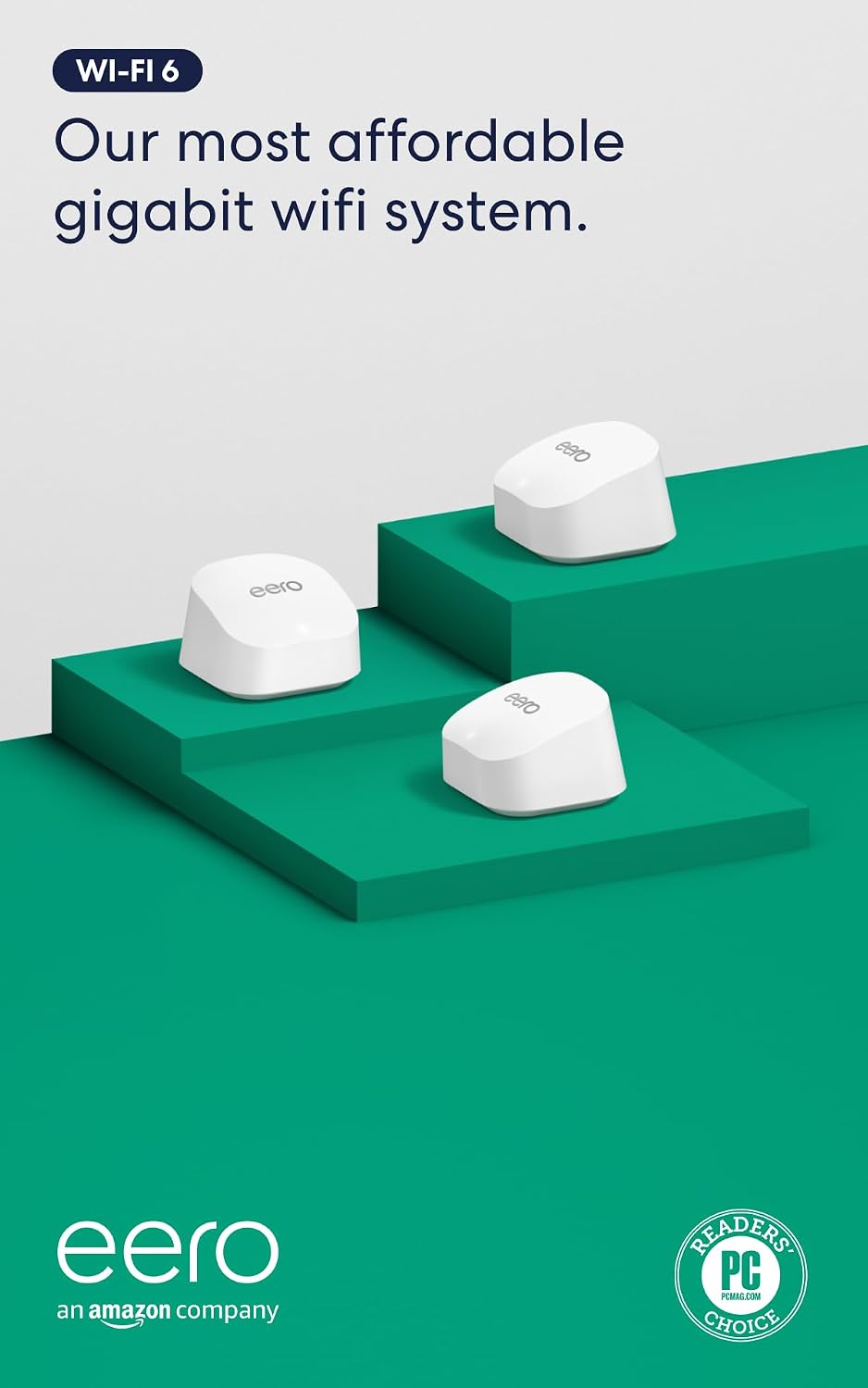
Amazon
$299.99
In stock on Amazon
Check price on AmazonSmart Home and Apple HomeKit Compatibility
Smart-home ecosystem fit is a deciding factor that most mesh buying guides treat as secondary. It shouldn’t be.
eero: Amazon-First Orientation
eero is HomeKit-compatible and supports the Thread protocol on the Pro 6E tier. However, because the eero platform is built around Amazon’s smart-home ecosystem, its optimization skews toward Alexa and Amazon devices. Tom’s Guide, in their “Best Mesh Wi-Fi Systems” roundup (2025), notes that owner accounts of Apple HomeKit reliability on eero are less consistently positive than those for Deco across aggregated reviewer feedback.
Amazon
$199.99
In stock on Amazon
Check price on AmazonDeco: Thread Border Router and HomeKit Reliability
PCMag’s “TP-Link Deco XE75 Review” (2024) flags native Thread border router support on newer Deco models as a meaningful feature for smart-home households. Thread is the low-power mesh protocol that HomeKit’s Matter standard increasingly depends on, and having a native Thread border router built into the network infrastructure reduces the need for separate smart-home hubs. Reviewers who switched to Deco from other mesh platforms frequently cite HomeKit and Sonos reliability as an immediate, noticeable improvement. For households running Apple HomeKit, Sonos, or Matter-compatible devices, this functional difference translates directly into fewer reconnection headaches and more stable automation routines.
Amazon
$299.99
In stock on Amazon
Check price on AmazonVerdict: Smart Home
For Amazon/Alexa-heavy households, eero is the natural fit. For Apple HomeKit, Sonos, and Matter-focused households, Deco’s native Thread border router support and stronger HomeKit compatibility record make it the more defensible choice.
The Wired Backhaul Decision: A Practical Checklist
Before defaulting to wireless-only, work through these questions:
- Do you have Ethernet jacks in more than one room? If yes, Deco with wired backhaul is a straightforward win.
- Is your home two stories or more? Wireless backhaul through a floor/ceiling is one of the harder RF challenges in residential networking. A wire eliminates it.
- Are you in a newer build with open floor plans and drywall? Wireless backhaul works reasonably well here. eero’s simplicity becomes more attractive.
- Is running new cable realistic? For a permanent home, a one-time Ethernet run (often under $200 with a local installer) can pay dividends for a decade.
If none of the wired-backhaul conditions apply, the choice narrows to ecosystem preference: Amazon/Alexa households lean eero, Apple/HomeKit households lean Deco.
ISP Rental Fee Regret — and the Break-Even Math
A recurring theme across owner reviews of both systems is ISP rental-fee regret — discovering only after purchase that they had been paying $10–$15 per month for a rented gateway for years. At $15/month, that is $180/year, or $540 over three years. A quality mesh system in the $200–$400 range pays for itself in rental savings within 18–27 months, and continues generating savings every month after. The Wirecutter / NYT, in “The Best Wi-Fi Routers” guide (2025), specifically notes this calculation as a primary reason to consider buying your own equipment. If you’re still renting your ISP’s hardware, the break-even math on ownership is almost always favorable.
Frequently Asked Questions
Do I still need my ISP’s router/modem if I buy one of these mesh systems?
It depends on your ISP’s setup. If you have cable or DSL internet, you likely still need a modem — the device that converts the ISP signal into a standard Ethernet connection — but you don’t need the ISP’s router. You connect the modem’s Ethernet output to your mesh system’s primary node, then put the modem or gateway into bridge mode (sometimes called “passthrough” mode) so it stops acting as a router and lets your mesh system handle everything. eero’s in-app instructions guide you through this for most major ISPs. If you have fiber internet with an ONT (optical network terminal), check with your ISP — in many cases you can connect directly to the ONT.
Will all my devices reconnect automatically when I switch mesh systems?
Your devices reconnect to a Wi-Fi network by its name (SSID) and password. If you name your new mesh network the same as your old one and use the same password, most devices will reconnect without any action on your part. If you use a different name or password, you’ll need to reconnect each device once — typically a 10–30 minute process for a standard household.
How many nodes do I actually need for a two-story 2,500 sq ft home?
For most two-story homes in the 2,000–2,500 sq ft range, two nodes covers the majority of the space if placed well — one on each floor, near the center of each level. A three-node kit is worth considering if your layout is long and narrow, if you have a basement or attached garage you want covered, or if your walls are dense (brick, concrete, or plaster). The Wirecutter / NYT’s “The Best Wi-Fi Routers” guide (2025) consistently notes that real-world coverage in standard residential construction runs 20–40% lower than manufacturer-advertised figures measured in open air.
What is the difference between eero 6, eero 6+, and eero Pro 6E?
- eero 6: dual-band (2.4 GHz + 5 GHz), Wi-Fi 6, rated up to approximately 900 Mbps aggregate. Appropriate for plans up to 500 Mbps.
- eero 6+: dual-band Wi-Fi 6 with a faster 5 GHz radio; rated up to approximately 1.8 Gbps aggregate. Suitable for gigabit plans.
- eero Pro 6E: tri-band (adds 6 GHz), Wi-Fi 6E, rated up to approximately 4.2 Gbps aggregate, with a dedicated 6 GHz backhaul radio and a 2.5 GbE WAN port. The right choice for multi-gig fiber plans (2 Gbps+) or larger homes where backhaul headroom matters.
Note: eero 6 and eero 6+ ship with 1 GbE WAN ports, which cap real-world throughput near 940 Mbps regardless of your plan speed. Buying a router with a mismatched WAN port is one of the most common and avoidable money-wasting mistakes in home networking today.
The Decision Rule
If your home is open-plan, single-story, or you have no existing Ethernet runs, and your household runs Amazon or mixed smart-home devices: eero 6+ or eero Pro 6E is the path of least resistance. The setup experience is genuinely best-in-class per Tom’s Guide’s “Best Mesh Wi-Fi Systems” roundup (2025), and the ongoing management overhead is near zero.
Amazon
$199.99
In stock on Amazon
Check price on AmazonIf your home is multi-story, has dense wall construction, or you already have Ethernet jacks in multiple rooms, and especially if you run Apple HomeKit or Sonos: Deco with wired backhaul — at the X55 or XE75 tier — is the more defensible long-term investment. The wireless-backhaul penalty documented by Ars Technica in “Wi-Fi 6E Mesh Systems: Real-World Range vs. Spec-Sheet Claims” (2024) is real, and Deco’s Ethernet backbone eliminates it entirely.
Amazon
$299.99
In stock on Amazon
Check price on AmazonEither system will outperform your ISP’s rental gateway. The gap between the two systems is most visible at the edges — dense construction, multi-story layouts, and smart-home complexity. Match the system to your actual home, not the coverage number on the box.