May 31, 2026 • Darius Mosley • 9 min reading time • Prices verified June 29, 2026
Wi-Fi 7 Mesh Systems for the Whole-Home Stack Upgrade
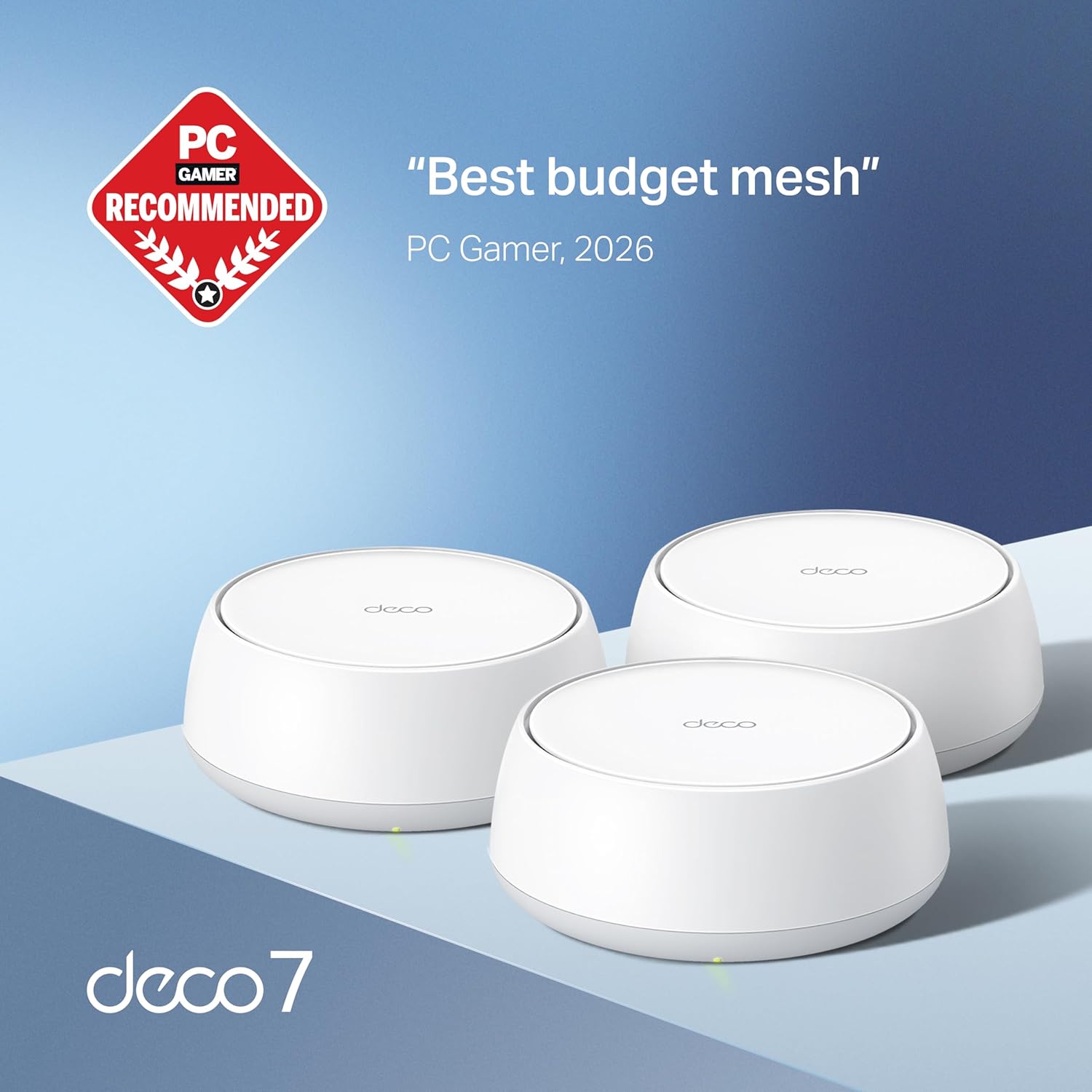
If your home network feels like it’s constantly one firmware update behind your life — a 4K stream drops when someone joins a video call, the garage workshop is a dead zone, and your ISP just bumped you to multi-gig fiber that your old router can’t actually use — you’re in exactly the right place. Wi-Fi 7 is the newest generation of wireless networking, officially called the 802.11be standard, and the mesh systems built on it represent the most meaningful leap in home Wi-Fi performance since Wi-Fi 6 arrived in 2019. A mesh system, if you’re new to the term, uses multiple hardware nodes placed around your home that all behave as a single, seamless network — no more manually switching between “Home_2.4GHz” and “Home_5GHz_EXT.” This guide will walk you through what Wi-Fi 7 mesh actually delivers, where it earns its price premium, and how to make the buy-versus-wait call with a deal (or a remodel) on the clock.
| EDITOR'S PICK[NETGEAR Orbi 970 Series Quad-Ba](https://www.amazon.com/dp/B0CGJGXFCS?tag=greenflower20-20)… | Mid-tier[TP-Link Deco 7 Pro BE63 Tri-Ban](https://www.amazon.com/dp/B0CN8QLS4K?tag=greenflower20-20)… | Budget pick[TP-Link Deco 7 BE25 Dual-Band B](https://www.amazon.com/dp/B0DKVDZXSN?tag=greenflower20-20)… | |
|---|---|---|---|
| Speed class | 27 Gbps | 10 Gbps | 5 Gbps |
| Band type | Quad-band | Tri-band | Dual-band |
| Coverage | 10,000 sq ft | — | 6,600 sq ft |
| Device limit | 200 devices | — | — |
| Wired backhaul | — | 4×2.5G ports | 2×2.5G ports |
| Price | $1,808.99 | $399.99 | $219.99 |
| See on Amazon → | See on Amazon → | See on Amazon → |
What Wi-Fi 7 Actually Changes — and What It Doesn’t
Wi-Fi 7’s headline numbers are eye-catching: theoretical aggregate throughput up to 46 Gbps across all radios, versus Wi-Fi 6E’s ceiling of roughly 9.6 Gbps. In a whole-home mesh context, the numbers that matter most are different, and worth unpacking.
Multi-Link Operation (MLO) is the genuinely new capability. Previous Wi-Fi generations forced each client device to negotiate a single radio band for the duration of a session — you were on 5 GHz or 6 GHz, not both simultaneously. MLO allows a Wi-Fi 7 access point and a Wi-Fi 7 client device (your laptop, phone, or streaming stick) to bond multiple bands together at once, dynamically shifting traffic across whichever path is least congested at any given millisecond. The practical result, as documented in SmallNetBuilder’s 802.11be MLO throughput analysis, is meaningfully lower latency and more consistent mid-range throughput — not necessarily faster peak downloads, but fewer of the micro-stutters that make gaming or video calls feel unreliable.
320 MHz channel width in the 6 GHz band doubles the maximum channel width available to Wi-Fi 6E (160 MHz), which is how the raw throughput numbers climb so high. The catch: your client devices need Wi-Fi 7 radios to use that full channel, and as of mid-2026, the installed base of Wi-Fi 7 phones and laptops is growing but not yet ubiquitous. Flagship Android devices and recent MacBooks with M3 and M4 chips carry Wi-Fi 7; most budget phones and older laptops do not.
4K-QAM modulation packs more data into each radio transmission compared to Wi-Fi 6E’s 1024-QAM ceiling — again, a capability that only activates when both the access point and the client support it.
The honest summary: Wi-Fi 7 mesh is a real upgrade, not marketing rebranding. But roughly 60–70% of its benefit accrues only after your client-device fleet catches up. If you’re upgrading a home full of 2021-era laptops and phones, you’ll see gains from better mesh backhaul and improved congestion handling, but you won’t unlock MLO’s full latency reduction until those devices cycle out.
The Whole-Home Stack Decision: When Wi-Fi 7 Mesh Justifies the Cost
By the numbers — mid-2026 Wi-Fi 7 mesh market:
- Entry-tier Wi-Fi 7 mesh (2-node): $350–$550 (e.g., TP-Link Deco BE65, Eero Max 7 two-pack)
- Mid-tier Wi-Fi 7 mesh (3-node): $550–$900 (e.g., Netgear Orbi 970 series)
- Prosumer/managed Wi-Fi 7 APs: $250–$500 per node (Ubiquiti UniFi BE, TP-Link Omada BE)
- Multi-gig WAN port (2.5GbE or 10GbE) now standard at mid-tier and above
The case for upgrading now is strongest when three conditions overlap: (1) you have or are planning multi-gig fiber service, (2) your current router or mesh gateway uses a 1GbE WAN port — a mismatch that literally caps your ISP speed at 940 Mbps regardless of what you’re paying for — and (3) you have at least a handful of Wi-Fi 7 client devices already in the home.
WAN port mismatch is the most commonly missed gotcha in this category. Reviewers at PCMag and Tom’s Guide both flag it consistently in Wi-Fi 6E-era gear: a buyer pays for 2Gbps fiber, installs a router with a 1GbE WAN port, and wonders why their speed tests plateau. Every major Wi-Fi 7 mesh system shipping in 2026 addresses this — look for 2.5GbE WAN minimum, and 10GbE on the premium tier (Orbi 970, UniFi BE systems).
If you’re still on gigabit fiber or cable and your client devices are predominantly Wi-Fi 6 or older, the honest answer is that a strong Wi-Fi 6E mesh — now available in the $200–$400 range as first-gen Wi-Fi 7 drives prices down — likely delivers better dollar-per-performance value today. The upgrade calculus changes if you’re remodeling (easier to run Ethernet backhaul now than later), buying a new home, or sourcing a multi-AP prosumer stack where the hardware you install today will serve you for five-plus years.
Mesh Architecture Trade-offs: Wireless Backhaul vs. Wired vs. Hybrid
In a mesh system, “backhaul” refers to how the nodes talk to each other — the connection between your main gateway node and the satellite nodes spread around the house. This is where most real-world mesh performance lives or dies, and Wi-Fi 7 changes the math in a meaningful way.
Wireless-only backhaul on Wi-Fi 6E systems ate into the dedicated 6 GHz band to carry node-to-node traffic, which left less spectrum for client devices. Wi-Fi 7’s wider 6 GHz channels and MLO capability reduce — though don’t eliminate — that penalty. The Eero Max 7, as reviewed by Tom’s Guide, uses a dedicated 6 GHz backhaul radio alongside client-facing radios, which owners consistently report results in more stable whole-home throughput even at range.
Wired Ethernet backhaul remains the gold standard, and no amount of wireless innovation changes that. If your home has or can get Ethernet runs between floors and wings — even existing coax that you convert with MoCA 2.5 adapters — a wired-backhaul mesh will outperform wireless-backhaul at the same price point, every time. The Wi-Fi 7 mesh systems worth considering for a serious prosumer stack (Ubiquiti UniFi BE access points, TP-Link Omada BE) assume wired backhaul by design. They’re not consumer plug-and-play — they require a separate controller, managed switch, and some configuration patience — but the resulting architecture is VLAN-segmented, centrally managed, and built to firmware-support timelines measured in years rather than marketing cycles.
The ecosystem lock-in question deserves explicit attention here. UniFi, Omada, and Aruba Instant On each run proprietary management planes — you can mix and match hardware within an ecosystem, but you cannot pull a UniFi AP into an Omada controller or vice versa. If you start a stack with one vendor, you’re committing to their firmware support, cloud licensing model (UniFi dropped perpetual licensing for cloud keys in some configurations; Omada’s controller is still locally hostable as of mid-2026), and hardware replacement cadence. That’s a multi-year relationship, not a product purchase. Reviewers at Ars Technica have consistently flagged UniFi’s firmware stability issues on newer hardware in the first 6–12 months post-launch — a real consideration if you’re deploying immediately rather than waiting for the software to mature.
Firmware Longevity: The Factor Most Buyers Skip
Hardware specs are visible in every spec sheet. Firmware support timelines are buried in vendor policy pages and discovered the hard way. This matters enormously for networking gear because wireless security patches (WPA3 vulnerabilities, zero-day exploits in router daemons) arrive on an ongoing basis — a router that stops receiving firmware updates is a security liability sitting on your network perimeter.
Wi-Fi Alliance certification documentation notes that Wi-Fi 7 hardware is built on a more complex software stack than previous generations, which has historically correlated with longer initial stabilization periods but also longer useful hardware lifespans.
What to look for:
- Consumer mesh brands (Eero, Google Nest, Orbi): Eero’s Amazon ownership has translated to reliable update cadence; Netgear’s track record on Orbi longevity is shorter — PCMag’s long-term reviews note that Orbi systems frequently receive firmware attention for only 2–3 years post-launch before updates slow dramatically.
- Prosumer/managed (UniFi, Omada): Both offer longer firmware windows in principle (Ubiquiti has updated some hardware 5+ years post-launch), but you’re responsible for managing update cycles yourself. No automatic update push unless you configure it.
- The “abandoned product” test: Search the vendor’s community forums or release notes for any model you’re considering. If the last firmware update for a comparable product in their line is more than 9 months old, treat that as a yellow flag.
The Decision Framework: If X, Then Y
You’ve read the trade-offs. Here’s the clean if-then decision tree:
If you have multi-gig fiber (2Gbps+) and a Wi-Fi 7 client device already in the home: Upgrade now. The WAN port mismatch fix alone justifies moving from Wi-Fi 6E, and you’ll immediately unlock MLO on those clients. Target mid-tier Wi-Fi 7 mesh ($550–$900 for 3 nodes) or a managed AP stack if you’re comfortable with configuration.
If you have gigabit fiber and mostly Wi-Fi 6 devices: Wait, or buy a clearance Wi-Fi 6E system. A two-pack Eero Pro 6E or Orbi RBK863S at discounted 2025 pricing delivers more value per dollar than an entry Wi-Fi 7 system today. Revisit in 12–18 months as your device fleet rotates.
If you’re building a prosumer home-lab stack and cost-per-AP is a real variable: Omada BE or UniFi BE access points with a managed switch and wired backhaul is the architecture. Budget $250–$500 per AP, $150–$400 for a managed switch, and an afternoon for initial setup. The per-node cost is high; the five-year TCO (total cost of ownership) math often wins over buying three generations of consumer mesh gear.
If you’re in a multi-floor home with concrete or brick construction: No wireless mesh system — Wi-Fi 7 or otherwise — fully compensates for dense wall materials. Manufacturer range claims are measured in open-air lab conditions. Prioritize wired or MoCA backhaul before spending on premium wireless specs. SmallNetBuilder’s real-world range testing consistently shows 30–50% range reduction through concrete floors versus manufacturer-stated coverage.
If you’re upgrading an apartment (1,000–1,500 sq ft, mostly drywall): A single Wi-Fi 7 router or two-node mesh is sufficient. Don’t overbuy. The Eero Max 7 single unit or a TP-Link Deco BE65 two-pack covers this use case cleanly, and you’ll get firmware support longevity from both vendors.
The whole-home Wi-Fi 7 upgrade is genuinely worth doing — on your timeline, not the marketing calendar’s. Match the architecture to your building, your ISP tier, and your device fleet. That sequence almost always produces better outcomes than chasing the highest spec sheet in the category.