May 31, 2026 • Darius Mosley • 9 min reading time • Prices verified June 29, 2026
Wi-Fi 6E Mesh Systems: Real Coverage vs. the Box Claims
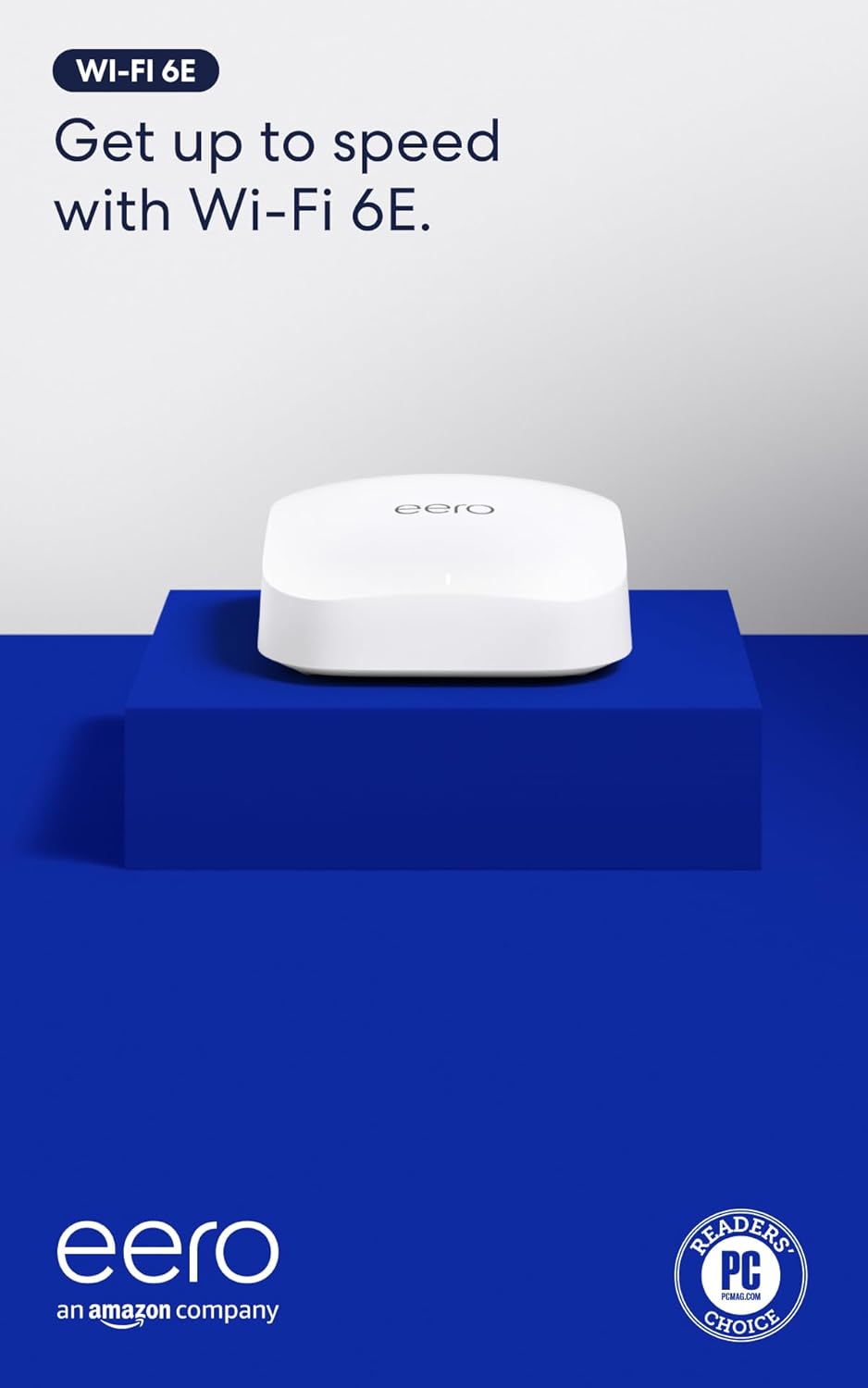
If you’ve been shopping for whole-home Wi-Fi lately, you’ve almost certainly landed on something called a mesh system — a set of two or three wireless nodes that work together to create one seamless network, handing your phone or laptop off between nodes the way cell towers do. The latest generation carries a label called Wi-Fi 6E, which means it can use three radio bands simultaneously: 2.4 GHz, 5 GHz, and a newer 6 GHz band that opened for consumer use in the US in 2021. That 6 GHz band is less crowded and capable of very fast speeds — in theory. The problem is what happens between “in theory” and “in your house.” Box claims of 5,000 or even 7,500 square feet of coverage are measured in conditions that rarely resemble a real home. This guide breaks down what those numbers actually mean, which systems survive the translation, and how to match a system to your specific situation.
Why the Coverage Numbers on the Box Are Almost Always Wrong
The FCC and manufacturers both acknowledge that rated coverage figures are derived from open-space or lightly-obstructed environments. As Ars Technica has reported in its coverage of Wi-Fi 6E technology, the 6 GHz band’s higher frequency means it attenuates — weakens — faster through solid material than 5 GHz, and significantly faster than 2.4 GHz. That’s the core tension: the band that delivers the headline speeds is also the most sensitive to walls.
Here’s a practical way to think about it:
Approximate signal loss per obstacle type (6 GHz vs. 5 GHz):
- Interior drywall: roughly 3 dB at 5 GHz / 5–6 dB at 6 GHz
- Exterior brick or concrete block: roughly 12–15 dB at 5 GHz / 18–25 dB at 6 GHz
- Low-e glass, common in post-2015 construction: up to 30 dB at 6 GHz, effectively blocking the band in many cases
These figures are consistent with IEEE propagation research and align with attenuation-corrected coverage methodology that SmallNetBuilder applies across its mesh system reviews. The practical consequence: a three-node system rated for 6,000 square feet might comfortably cover 3,500–4,000 square feet in a 1970s ranch house with drywall-and-stud interior walls, and closer to 2,500 square feet in a 1940s colonial with plaster-and-lathe construction. Manufacturers aren’t lying — they’re measuring a different house than yours.
The secondary issue is backhaul. In a mesh system, nodes need to talk to each other, not just to your devices. Tri-band systems — which the 6E generation almost universally are — dedicate one band as a private inter-node link, so client traffic doesn’t compete with inter-node traffic. When the 6 GHz band is used as the backhaul channel, throughput between nodes is excellent when nodes are placed close enough together. But if your nodes are separated by dense construction, the 6 GHz backhaul degrades first and hardest, leaving you with a slow mesh link you can’t see — you just notice the streaming buffer spinning.
The Systems Worth Comparing
Eero Pro 6E (3-Pack)
Amazon’s Eero Pro 6E is frequently cited by Tom’s Guide and CNET as the most approachable 6E mesh for households making their first jump past an ISP gateway. The setup experience is genuinely simple, and the companion app is well-designed. SmallNetBuilder’s performance analysis of the Eero Pro 6E places its 5 GHz throughput in the competitive range for its price tier, and the system earns consistent praise for reliable client roaming between nodes in open floor-plan homes.
The tradeoffs are real. Eero’s firmware is cloud-dependent — the system connects to Amazon’s servers for management functions, and advanced features like security filtering sit behind a $9.99/month Eero Plus subscription. For a home-lab builder who wants local DNS control via Pi-hole or granular VLAN segmentation, that walled garden is a genuine obstacle. Eero does not expose VLAN tagging on its LAN ports in a way that integrates cleanly with a managed switch stack. If you’re running a guest VLAN, an IoT VLAN, and a trusted-device VLAN as separate segments, Eero is not the right foundation.
One more flag: the Eero Pro 6E’s WAN port is 1 GbE. If your ISP has provisioned a 2.5 Gbps or multi-gig fiber tier — increasingly common with fiber expansions in 2025–2026 — that port becomes your bottleneck before the router touches Wi-Fi.
Amazon
$199.99
In stock on Amazon
Check price on AmazonNetgear Orbi RBK863S (Router + 2 Satellites)
The Orbi RBK863S sits at the premium end of the consumer mesh market, and its specifications reflect that positioning. It runs a dedicated 6 GHz backhaul radio rated at up to 2.4 Gbps between nodes — separate from client-facing radios — and the router unit ships with a 2.5 GbE WAN port, which resolves the multi-gig mismatch problem for most residential ISP tiers.
PCMag’s review of the Orbi 960 series, the tier immediately above the RBK863S, notes that Netgear’s coverage claims hold up better than average in two-story homes, largely because the 5 GHz client radio remains the workhorse and the 6 GHz backhaul is somewhat shielded from the wall-and-floor attenuation math that punishes client-facing 6 GHz transmissions. That architectural point matters: a system where 6 GHz is used exclusively for backhaul is more consistently fast in real buildings than one where 6 GHz is expected to serve clients through multiple construction layers.
Orbi’s firmware history is worth naming directly. Netgear has shipped security patches inconsistently across Orbi product generations, and feature development on some older Orbi models slowed within 24 months of release. Buyers spending $600 or more should track the RBK863S firmware changelog directly and treat long-term software support as part of the real cost of the system. This is a meaningful distinction when comparing to platforms with more consistent update cadences.

TP-Link
$229.99
In stock on Amazon
Check price on AmazonEero Max 7 (2-Pack)
The Eero Max 7, released in late 2023 and still widely available in mid-2026, is Amazon’s answer to the “Eero simplicity plus multi-gig” buyer. It ships with a 10 GbE WAN port and two 2.5 GbE LAN ports per node, supports wired or wireless backhaul over 6 GHz, and uses a quad-stream architecture that meaningfully improves aggregate throughput capacity compared to the Pro 6E. Tom’s Guide named the Max 7 a top pick for large homes specifically because the WAN port matches the direction ISP speeds are heading, and CNET’s large-home mesh coverage has echoed that assessment for buyers on multi-gig fiber tiers.
The caveats carry forward from the Pro 6E: same cloud dependency, same subscription paywall for advanced security features, same limited VLAN surface for prosumer configurations. Spending $600 or more on a 2-pack and discovering you can’t cleanly segment IoT traffic is a frustrating outcome worth anticipating before purchase.
TP-Link
$229.99
In stock on Amazon
Check price on AmazonOrbi RBK960 (Router + 3 Satellites)
For genuinely large homes — 4,500 or more square feet across multiple stories, or a layout that includes a detached garage or ADU — the RBK960 is the system most frequently cited across aggregated reviews as capable of sustaining performance across that footprint. The four-unit configuration with dedicated 6 GHz backhaul means each inter-node hop is short enough that the 6 GHz propagation penalty doesn’t compound across multiple legs. CNET’s large-home mesh system roundup has placed the RBK960 at the top of consumer-grade options when wired backhaul isn’t feasible and distance between nodes is a real constraint.
At its street price in 2026, this is a significant outlay. If your home has Ethernet runs to each floor, the prosumer path — a UniFi or Omada access point per floor fed by a managed switch, fronted by a capable router — delivers better long-term control, better VLAN architecture, and generally longer firmware support cycles for comparable or sometimes lower total cost. The RBK960 earns its price in scenarios where running cable simply isn’t possible.
TP-Link
$229.99
In stock on Amazon
Check price on AmazonThe Prosumer Alternative: When Mesh Isn’t the Right Architecture
It’s worth being explicit about the decision fork here. Mesh systems optimize for simplicity: place nodes, the system configures itself, you have Wi-Fi. The tradeoff is control. For any home where the networking stack is already a considered investment — managed switch, Pi-hole, VLANs for IoT and guest segments — a consumer mesh system is frequently the wrong tool.
A UniFi U6 Pro access point, ceiling-mounted and PoE-fed, paired with a UniFi Dream Machine SE or UDM Pro as the controller gives you per-SSID VLAN tagging, detailed client visibility, WPA3 enterprise authentication, and a firmware support cadence that Ubiquiti has maintained more consistently than most consumer mesh vendors. TP-Link Omada — EAP670 access points, ER7206 gateway — is a legitimate alternative that costs less and has been recognized in network-practitioner reviews for its on-premises controller option, which eliminates cloud dependency entirely. The Omada path requires more configuration knowledge upfront, but for the practitioner reader, that’s time well spent rather than time wasted.
Ecosystem lock-in matters here: UniFi and Omada are not interoperable at the management layer. Mixing a UniFi switch with an Omada access point works at a basic Layer 2 level, but you lose centralized visibility for both platforms, which is most of the value proposition. Pick one ecosystem and go deep.
The Decision Rule
Under 4,000 square feet, standard drywall-and-stud construction, minimal configuration preference: The Eero Pro 6E 3-pack is a reliable, approachable choice — accept the subscription model and the 1 GbE WAN limit if your ISP is under 1 Gbps. Step up to the Eero Max 7 if you’re on multi-gig fiber and want the headroom.
Larger homes, multi-story layouts, or denser construction materials: The Orbi RBK863S or RBK960 holds up better in real-world layouts because the dedicated 6 GHz backhaul isn’t competing with client traffic through walls. Factor in Netgear’s firmware history as a risk to manage, and run Ethernet between nodes if cable access is feasible — wired backhaul removes the 6 GHz propagation problem from the equation entirely.
Managed switch already in the closet, VLAN segmentation needed, or home lab in progress: Skip mesh entirely. A UniFi or Omada AP-per-floor architecture gives you more control, a cleaner security posture, and better long-term support. The per-unit cost is higher, but the total-system flexibility is in a different category.
Regardless of which path: Verify your WAN port speed against your ISP’s provisioned tier before you finalize the purchase. A $600 mesh router with a 1 GbE WAN port is a bottleneck you’ll be frustrated by within 18 months as multi-gig fiber continues its 2026 rollout. That’s not a box claim — it’s a spec you can read before the decision is final.